Transform Images into AI Art in Seconds
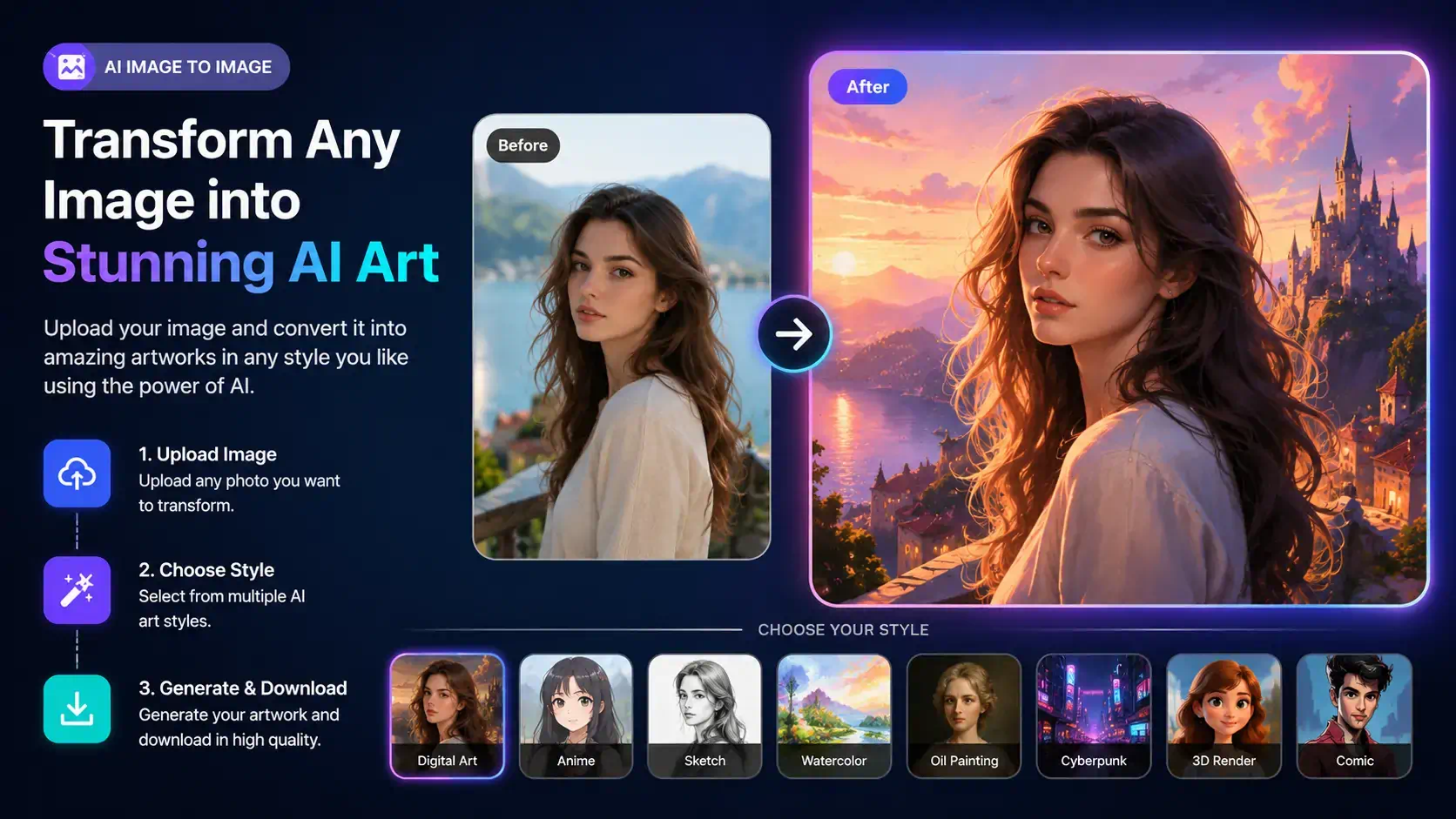
Upload any image and let AI create a completely new version in your favorite style. Turn portraits into anime, sketches, paintings, fantasy art, cartoons, or realistic masterpieces with RGBKit.
How to Generate Images with AI
Upload Image and Type Your Prompt
Write a description of the image you want - keep it short or go into detail, either works.
Generate the Image
RGBKit's AI reads your prompt and generates a unique, high-quality image in just a few seconds.
Download and Use It
Save your image in high resolution and use it wherever you need it.
Every Picture Has Another Story Waiting to Be Told
A single photograph can become countless creations. The selfie from your vacation could become a cinematic movie poster. Your pet could transform into a watercolor painting. A product photo could turn into premium marketing artwork. With RGBKit's AI Image to Image Generator, you don't start from scratch—you begin with a photo you already love. Simply upload an image, choose your preferred style, and let artificial intelligence create an entirely new masterpiece while preserving the essence of your original picture.
Why Choose RGBKit AI Image to Image Generator
AI Image Transformation
Convert any photo into beautiful AI-generated artwork.
Multiple Art Styles
Choose from anime, sketch, painting, cartoon, fantasy, realistic, and more.
High-Quality Results
Generate sharp, detailed, professional-quality images.
Fast AI Processing
Create stunning transformed images within seconds.
No Design Experience Needed
Upload an image, choose a style, and let AI handle everything.
Frequently Asked Questions
An AI Image to Image Generator transforms an uploaded photo into a new image using artificial intelligence while preserving important details and applying a completely different artistic style.
Yes. RGBKit lets you transform portraits and photos into anime, sketches, paintings, cartoons, fantasy art, and many other AI-generated styles.
No. Your uploaded image remains unchanged. RGBKit creates a new AI-generated version based on your selected style.
You can upload JPG, JPEG, PNG, WEBP, and most common image formats.
Yes. You can transform images online for free without installing any software.