Effortlessly Trim Video Online with RGBKit's Free Tool
Quickly and easily trim, crop, and cut videos online without a watermark. Perfect for creating precise video clips in seconds.
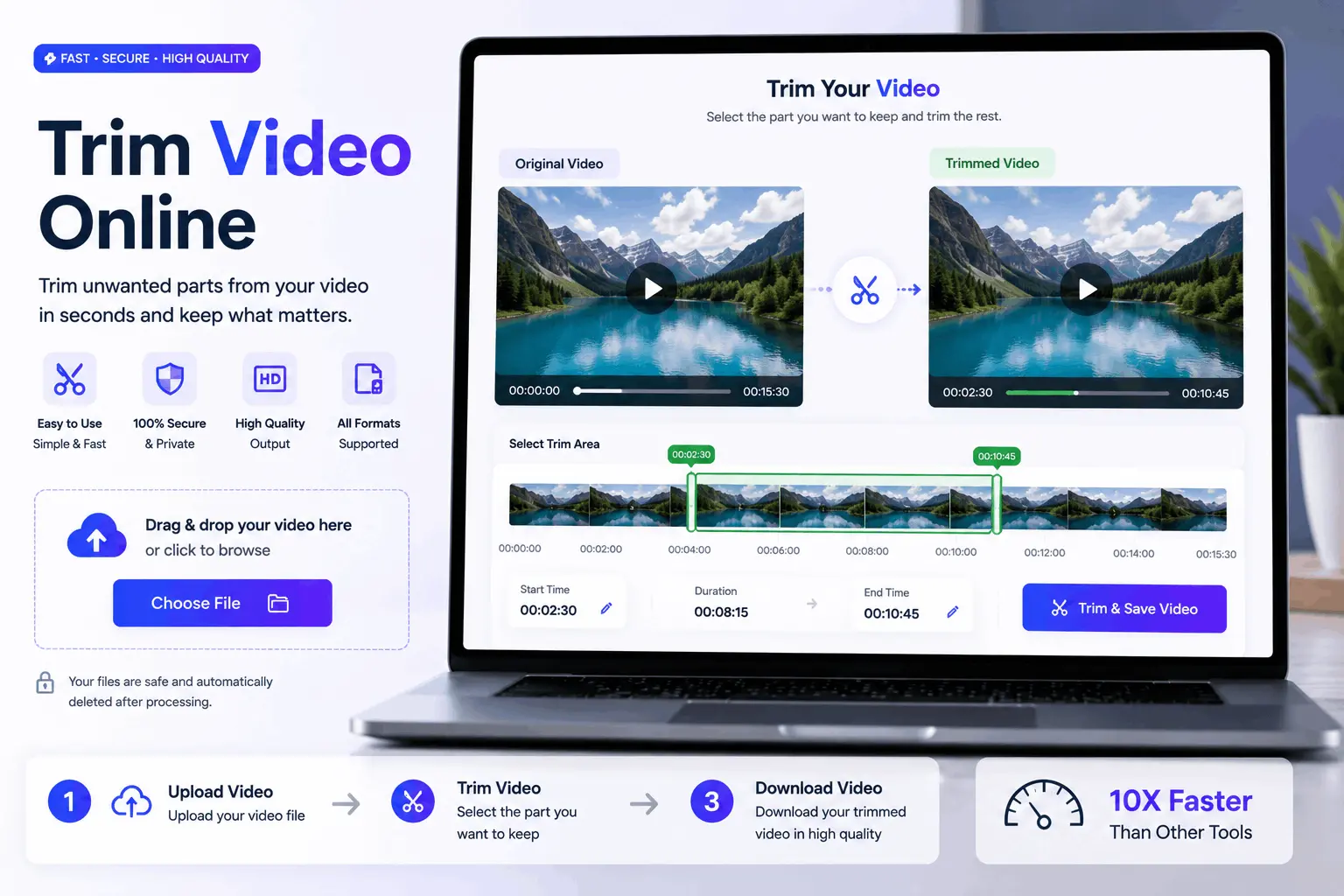
How to Use Our Free Online Video Trimmer
Upload Your Video
Upload your video from your computer
Adjust & Process
Wait a few seconds while we process your image
Download
Download your processed video
Cut Unwanted Parts Effortlessly with Online Video Trimmer
Trim video online without hassle, ensuring perfect clips every time. Use RGBKit’s video clipper to crop videos online for free, fast, and watermark-free.
Why use our Online Video Trimmer
Social Media Optimization
Trim video online for perfect social media dimensions.
Highlight Key Moments
Cut video online to spotlight important scenes effortlessly.
Remove Unwanted Sections
Use clip cutter online to delete unnecessary parts quickly.
Create Seamless Transitions
Crop video online for smoother transitions between clips.
Edit on a Budget
Crop a video online for free without watermark hassle.
FAQ: Frequently Asked Questions
RGBKit's Online Video Trimmer allows you to trim videos online while maintaining their original quality. Simply upload your video file, select the portion you want to keep, and the tool will handle the rest. It supports various formats, so you won't need additional conversion steps, making it perfect for quick social media edits.
With RGBKit's Online Video Trimmer, you can crop a video online for free, and the best part is it will not add any unwanted watermarks to your final product. This feature is particularly useful for content creators who need clean and professional-looking videos without software branding.
Absolutely! RGBKit's Online Video Trimmer functions as an intuitive online video clipper that easily cuts mp4 files without the need for complicated software. Its user-friendly interface allows you to cut and edit videos directly in your browser, making it convenient for quick projects.
For an efficient way to cut mp4 video online, look no further than RGBKit's Online Video Trimmer. It enables you to quickly trim videos down to the essential parts, reducing file size and making it easier to send via email without exceeding attachment limits.
Yes, RGBKit's Online Video Trimmer is perfect for cropping video online, allowing you to adjust aspect ratios to suit YouTube's requirements. This ensures that your video content fills the screen properly for a professional viewing experience.
RGBKit’s Online Video Trimmer is an excellent clip cutter online for school projects. It simplifies the task of editing video footage by providing easy-to-use trimming and cutting features right in your browser, without needing any special software or skills. This helps students focus more on content creativity rather than getting bogged down with tech issues.