Compress Images Without Quality Loss
Efficiently reduce image sizes while maintaining quality with our online Image Compressor.
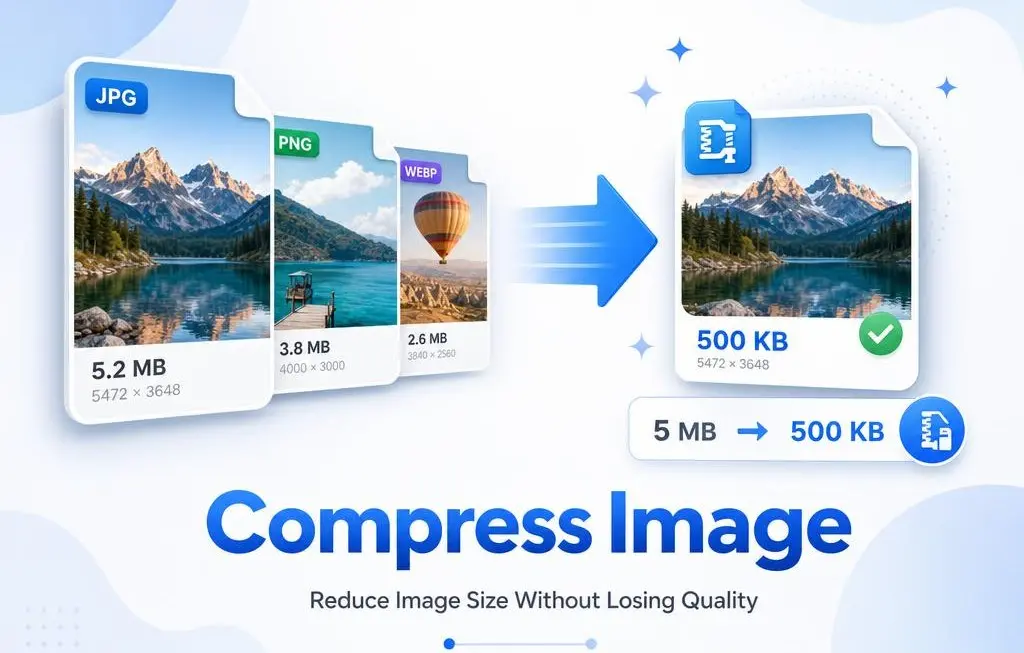


Steps to Compress Images Online
Upload Image
Click the “Browse your images” button to upload your image files.
Compress
Click to Compress Button
Download
Click on the “Download” button to download the compressed images.
Efficient Bulk Image Compression with RGBKit
RGBKit offers a simple and effective solution for bulk image compression across popular formats. Process multiple high-resolution photos simultaneously without sacrificing quality. This tool reduces compression time for large volumes of images, making it ideal for quick and secure batch processing. Free to use and easy to operate, RGBKit enables you to compress images for storage or online use with no special skills required.

Compress Images for Various Formats
Optimize your images by reducing unnecessary data for efficient storage and transmission. Our compression tool handles JPG and PNG formats, reducing file sizes while preserving image quality. After compression, you can further edit your images using RGBKit’s suite of online tools, including image converters, watermarking, and GIF creation.

Compress and Share Images Online
Struggling with uploading images to social networks? Use RGBKit's online compressor to reduce image sizes without losing quality. Smaller images are easier to store and transfer, enhancing website load times and boosting your SEO ranking. Optimized images also meet upload size limits for social platforms and reduce storage space and bandwidth usage, lowering infrastructure costs.

FAQ: Frequently Asked Questions
Image compression reduces irrelevant or redundant data, making storage and transmission more efficient. RGBKit’s compression tool minimizes image sizes while preserving quality, ensuring fast load times and efficient data handling.
RGBKit's online compressor tool supports JPG and PNG formats. Compress your images without worrying about quality loss—our tool ensures high-quality results even after compression.
Compressed images reduce loading times, which can improve website performance and enhance SEO rankings. Faster page speeds contribute to better user experience and lower bounce rates.
RGBKit offers image compression across all platforms, including Mac, iOS, Windows, and Android. Simply open RGBKit on your device, upload the images you want to compress, and let our tool handle the rest.
Lossy compression reduces file size by removing some image data, potentially affecting quality, while lossless compression retains all image data but may not reduce file size as much. RGBKit offers both options to suit your needs.
After compressing your images with RGBKit, you can use our additional online tools for further editing, including cropping, resizing, converting formats, adding watermarks, and creating GIFs.
Yes, RGBKit's compression tool is secure. We prioritize your privacy and ensure that all uploaded images are processed safely and are not stored permanently.