Extract Audio From Any Video Quickly and Easily
RGBKit's audio extractor seamlessly pulls audio from video files, offering a hassle-free experience without any complicated steps.
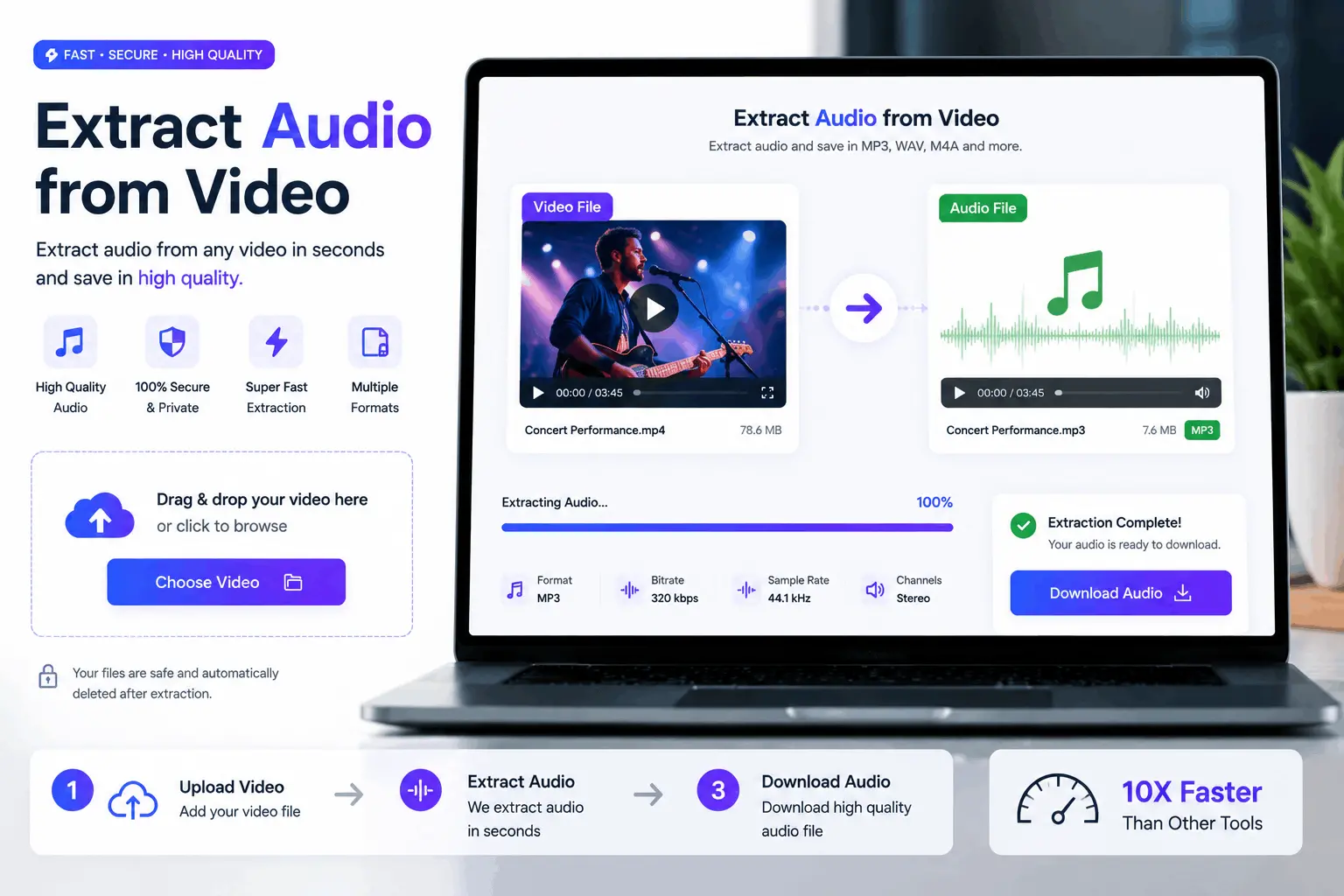
How to Use Our Free Extract Audio From Video
Upload Your Video
Upload your video from your computer
Adjust & Process
Wait a few seconds while we process your image
Download
Download your processed video
Effortlessly Extract Audio from Video Files in Seconds
Use RGBKit's tool to quickly extract sound from video, ideal for creating podcasts or background music, meeting all your media needs efficiently.
Why use our Extract Audio From Video
Podcast Creation Simplified
Extract sound from video easily for podcast production.
Create Ringtones Quickly
Pull audio from video clips to craft unique ringtones.
Extracting Lecture Audio
Use audio extractor to capture educational talk highlights.
Background Scores for Vlogs
Get audio from video to enhance your online vlogs.
Isolate Interviews Efficiently
Take audio from video interviews for seamless editing.
FAQ: Frequently Asked Questions
RGBKit's Extract Audio From Video tool makes it easy to pull audio from any video file for your podcast. Simply upload your video, and in a few clicks, you can get audio from video with high quality, ready for podcast production. It's perfect for podcasters who want to leverage video interviews or webinars as additional audio content.
Absolutely, RGBKit's Extract Audio From Video tool is fully compatible with Mac, allowing you to effortlessly extract audio from video files. Whether you're working with MOV or MP4 formats, our tool ensures smooth operation directly in your browser without needing additional software installations.
Yes, with RGBKit's Extract Audio From Video, you can easily extract sound from extended webinar recordings. The tool lets you get audio from video that's even hours long, helping you save time by simplifying the process into just a few steps, ideal for creating summarized audio highlights or entire session replays.
Yes, RGBKit's audio extractor preserves the original audio quality from the video, ensuring that your extracted sound is as clear and crisp as in the initial video. The tool efficiently handles high-resolution audio, perfect for anyone looking to maintain professional standards in their audio output.
Unlike traditional software that often requires complex installations, RGBKit's Extract Audio From Video is a web-based solution that allows you to pull audio from video formats directly in your browser. It's fast and user-friendly, offering a hassle-free way to take audio from video without the need for technical expertise.