Change Background Color Online for Free
Replace image backgrounds with solid colors instantly. Perfect for product photos, profile pictures, and marketing visuals.
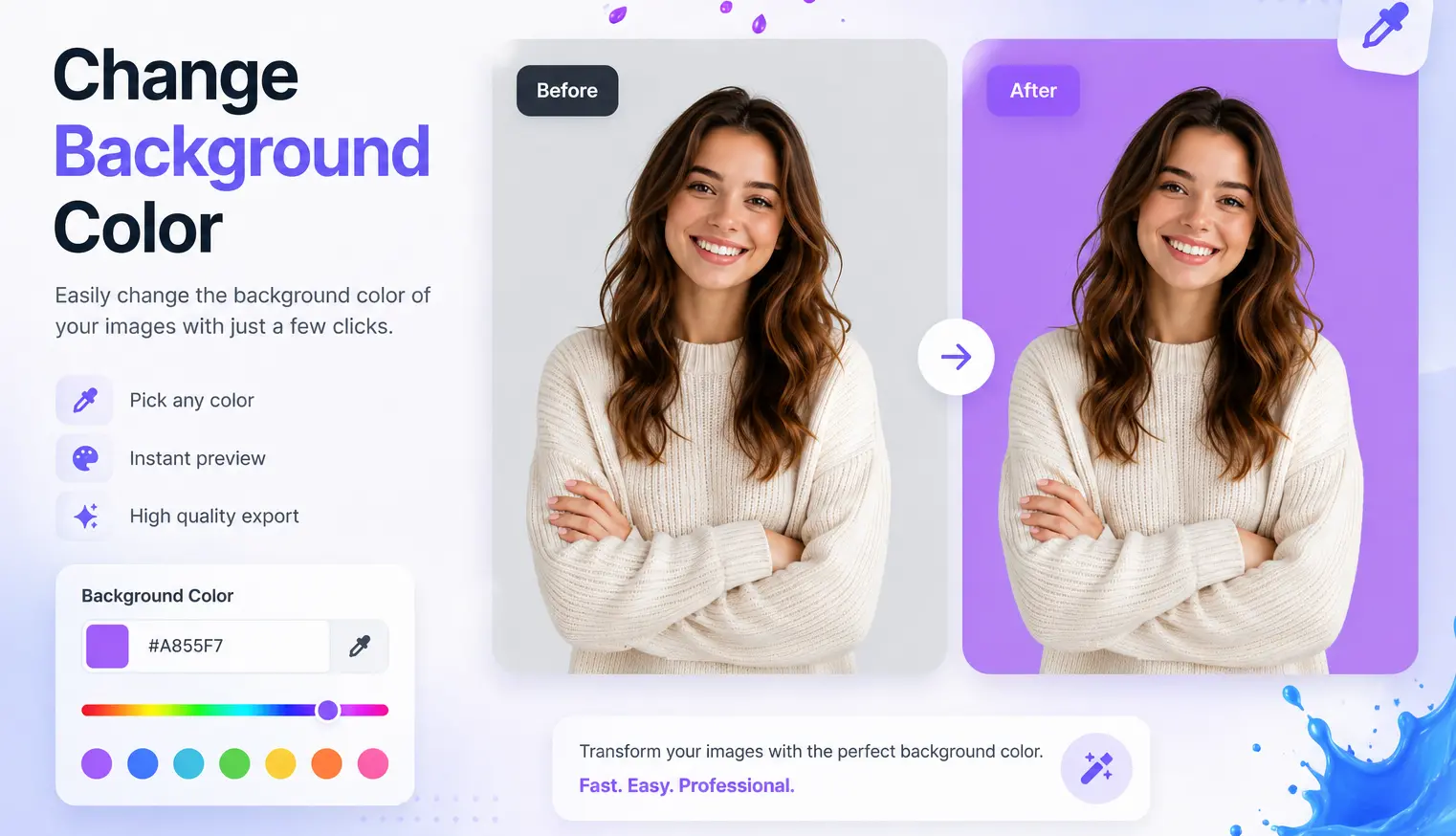


How to Use Our Free Change Background Color Tool
Upload Your Photo or Image
Locate the Upload Image button and click it to open your file browser. Select the image file from your device, then click Open. Supported formats include PNG, JPEG, WEBP and BMP.
Select Background Color
Once the image is uploaded, you'll see an option to change the background color. Click on the Background Color Picker or select a color from the provided list.
Download
Once the changes are applied, the tool will generate a preview of the edited image. Click the Download button to save the image to your device
Change Background Colour with our Easy-to-use Change Background Color Tool
Transform your photos in a click with our Change Background Colour tool, engineered to modify image backgrounds quickly and efficiently. Discover its prowess today for stunning visuals!
E-commerce Business Upgrade
Changing the background color of product images to match your platform's aesthetic is essential for creating a cohesive and professional look. Using an online tool to change background color of photo helps maintain brand consistency while drawing attention to your products. A uniform new photo background color not only enhances buyer focus but also improves your site's visual appeal, leading to better customer engagement and potentially boosting sales. Easily colorize background or adjust it to suit your branding, making your products stand out.

Revitalizing Personal Images
Change background color allows you to remove distractions and focus on what truly matters in your photos. By using this tool, you can easily color the background or adjust it to emphasize the subject, enhancing the overall beauty of your pictures. Whether you want to create a fresh look or eliminate unwanted elements, the ability to change background color of photo helps you achieve professional-looking results with minimal effort, making your personal images stand out.

Visual Content Marketing
Change background color for optimizing your website's SEO and enhancing brand presentation. By creating consistent, high-quality images with a new photo background color, you can establish a cohesive and professional look across all visual content. This helps improve user experience, increase engagement, and boost search engine rankings. With the ability to colorize background and match it to your brand’s aesthetic, your visuals will not only stand out but also contribute to stronger SEO performance.

Digital Asset Optimization
changing background color of photo plays a vital role in maintaining a consistent theme across all marketing materials. By using this tool to color the background and create a unified visual style, you can enhance brand recognition and streamline your marketing efforts. Consistent backgrounds in images improve brand visibility, strengthen your digital presence, and contribute to a more professional appearance across platforms. This tool makes it easy to change background color online, ensuring your assets reflect your brand’s identity.

Social Media Content Enhancement
For social media content enhancement, the change background color online tool is perfect for creating visually striking posts with consistent color schemes. By using this tool to color the background of your images, you can ensure a cohesive and professional look across your social media platforms. Eye-catching posts not only attract more followers but also increase online engagement, helping your brand stand out in crowded social media feeds. Consistency in bg color change can boost your social media presence and improve audience interaction.

Why use our Change Background Color Tool
Product Photo Enhancement
Improve product photos by removing distracting backgrounds.
Professional Profile Picture
Create professional LinkedIn profile photos by changing the background.
Enhancing Real Estate Images
Improve property images by changing unappealing backgrounds.
Social Media Theme Consistency
Modify image backgrounds for consistent themes across social platforms.
Color Correction
Change backgrounds to accurately balance image colors.
FAQ: Frequently Asked Questions
The Change Background Color tool plays a crucial role in image editing by allowing users to modify or completely change the background color of a photo. This tool helps in creating visually appealing and professional images by enabling users to colorize the background, change the background color of the photo, or apply new background hues. It is widely used in e-commerce, social media content creation, and personal photo enhancement to improve the aesthetics and focus on the subject.
To use the Change Background Color tool effectively, select colors that complement the subject and align with your design goals. Consider color contrast and how it influences the visual appeal of the image. Gradual adjustments in background color can help you achieve a smooth and professional look. This tool also allows users to change background color online, colorize background, or apply a new photo background color, making it versatile for various creative needs.
The Change Background Color tool is designed to be intuitive and user-friendly, making it accessible for beginners. While a basic understanding of color theory can enhance the results, users can easily change background color of photos, colorize the background, and apply new photo background colors without expert knowledge. It’s a valuable tool for both professionals and novice users looking to enhance their images.
Yes, the Change Background Color tool works seamlessly with other image editing tools, such as cropping, resizing, and adding filters. By combining these tools, users can not only change the background color but also improve the overall quality and composition of the image. This combination helps in creating high-quality, professional-grade visuals for various purposes, including e-commerce, social media, and personal use.
Yes, many online platforms offer free versions of the Change Background Color tool, allowing users to change background color of photos, apply new background hues, and colorize the background without any cost. However, some professional-grade tools may require a fee for advanced features or higher precision, providing excellent quality results for personal or business use.
The Change Background Color tool stands out by allowing targeted edits specifically to the background, enabling users to change background color online, colorize backgrounds, or completely replace the background hue. This tool enhances the focus on the subject, transforming the entire feel of the image. Unlike general editing tools, its ability to modify the background sets it apart and makes it ideal for personal, e-commerce, and marketing use.