Create Captivating GIFs from Videos with our Free Tool
Turn your videos into high-quality GIFs with our easy-to-use Video to GIF Converter
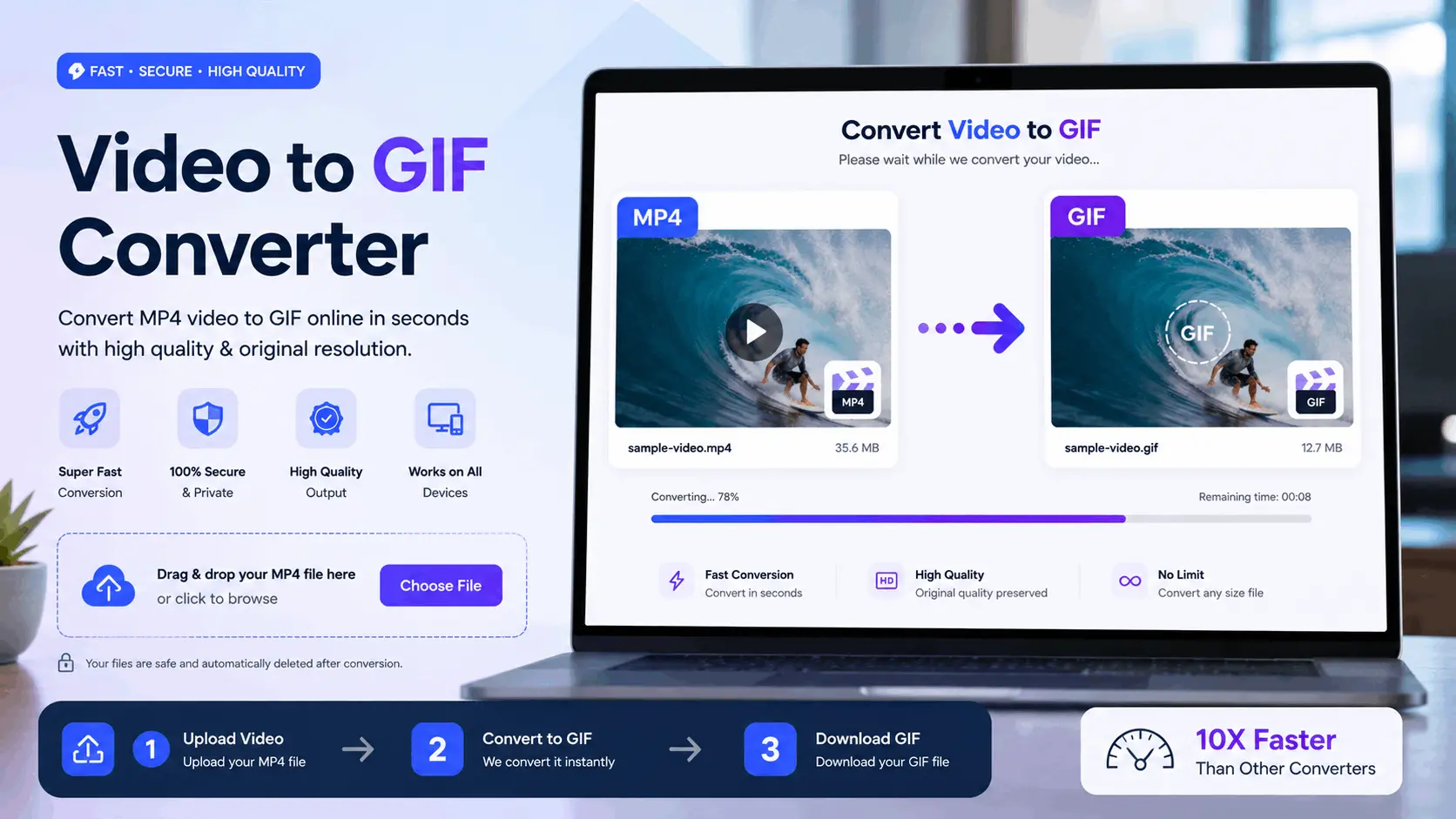
How to Use Our Free Video to GIF
Upload Your Video
Upload your video from your mobile or computer
Wait for Second
It will take some time to convert into Video to GIF
Download
Click on the “Download” button to download the created GIF
Transform Videos into GIFs with our Amazing Video to GIF Tool
Change your videos into engaging GIFs with our free Video to GIF tool. An excellent choice for adding a fun, interactive element to your content. Try it now!
Why use our Video to GIF
Social Media Promotion
Convert captivating video clips into GIFs for social media posts.
Email Marketing Innovation
Use GIFs in mails for visually engaging marketing content.
Website Design Improvement
Include GIFs in website design for interactive user experience.
Product Demonstration
Showcase product usage and functionality using GIFs.
Digital Advertising
Create unforgettable GIF ads for digital marketing.
Customer Service Tutorials
Use step-by-step GIFs to explain processes and solve customer issues.
Educational Resources
Simplify complex concepts by turning video lessons into quick GIFs.
Presentation Enhancements
Add GIFs to presentations to illustrate points and engage the audience.
FAQ: Frequently Asked Questions
The Video to GIF tool lets you convert MP4 to animated GIFs, select specific video clips, and adjust frame rate and resolution. It works as a GIF creator for social media promotion, website design, and email marketing, delivering high-quality GIFs without watermarks.
The Video to GIF tool is perfect for creating animated GIFs from video clips, making social media posts more engaging, enhancing email marketing with eye-catching visuals, and improving website design with lightweight animations that load quickly.
Yes, the Video to GIF tool is designed for everyone. Whether you're creating custom GIFs for digital advertising, product demonstrations, or educational resources, its user-friendly interface makes converting videos into animated GIFs quick and easy.
The Video to GIF tool processes videos quickly, allowing you to convert MP4 to GIFs or transform video clips into GIFs in minutes. Processing speed depends on the video's length and size, ensuring fast results for social media, websites, and presentations.
No, the Video to GIF tool is built to maintain high-quality visuals when converting videos into animated GIFs. While GIFs have some limitations compared to video files, this tool ensures clarity and smooth animation, making it ideal for social media promotion and customer service tutorials.
Absolutely! With the Video to GIF tool, you can select specific video segments, adjust the frame rate, and customize the resolution. Whether you're designing GIFs for product demonstrations, email campaigns, or educational resources, the tool provides flexibility and creative control.
Yes, the Video to GIF tool supports various video formats, including MP4, making it easy to convert any video clip into an animated GIF. This compatibility is perfect for creating GIFs for social media, digital ads, and website design enhancements.
Yes, professionals in marketing, education, web design, and customer service use the Video to GIF tool to create engaging visuals. Whether you're building GIF ads for digital advertising, adding animations to websites, or creating step-by-step tutorials, this tool delivers professional results.