Free Online Passport Photo Maker: Create User-Friendly Passport Photos Easily
Get precise, high resolution passport photos with our advanced free Passport Photo Maker
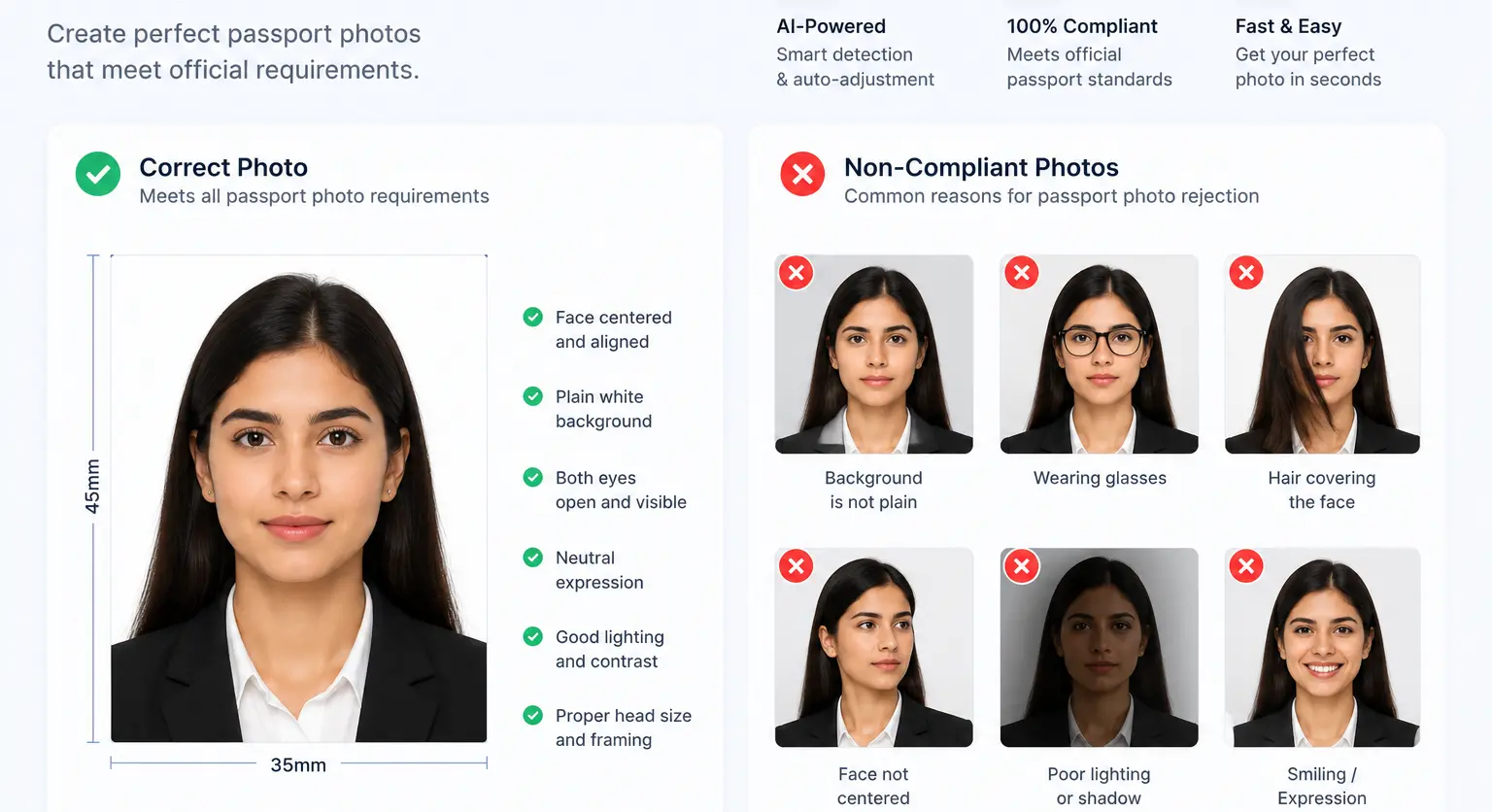


How to Use Our Free passport Photo Maker
Upload Your Photo
Upload your photo or image from your computer
Adjust the Photo
Resize your photo to meet passport specifications (typically 2x2 inches or 51x51 mm, depending on your country) and Center your face and adjust dimensions as per the required size.
Download
Download your photo with passport Photo Maker
Create Professional Passport Photos Online with Our Passport Photo Maker Tool
Make passport photos quickly and for free! Try our online tool for fast, reliable, and professional passport-size photos.
Why use our passport Photo Maker
Free Passport Photo Maker
Create professional passport photos at no cost.
ID Photo Preparation
Prepare ID photos using free passport photo maker.
Passport Photo Retouching
Enhance your passport photos for the perfect look.
Unlimited Photo Creation
Generate unlimited passport photos with this tool.
Quality Improvement
Boost photo quality using free passport photo maker.
Frequently Asked Questions
Passport Photo Maker tool offers the convenience of creating, editing and printing passport size photos at home. It helps you save time and money, as you can control the picture quality and ensure it meets all regulations.
Yes. RGBKit's free passport photo maker lets you create a passport photo online without visiting a photo studio. Upload a suitable photo, adjust its size and framing, and download the result. It's a convenient option when you need to make a passport photo online free from your computer.
Although tailored for passport photos, the Passport Photo Maker tool can also create other types of ID photos, such as for visas, driving licenses, and official documents.
Yes. You can start with a photo taken using your phone, digital camera, or computer. For the best result, use a clear, front-facing photo with good lighting and your face clearly visible. RGBKit can then help you resize and frame the image as a passport-size photo.
Yes. RGBKit works as an online passport photo generator for turning an existing portrait into a properly sized passport photo. Upload your image, make the necessary adjustments, and download the finished passport-size image.
Yes. RGBKit's passport photo editor allows you to adjust your uploaded photo so it can be prepared for passport-size use. You can resize and position the image to create a clean, properly framed passport photo.
Passport photo dimensions depend on the country and document you're applying for. For example, some applications use a 2 × 2 inch format, while others require different dimensions such as 35 × 45 mm. Before downloading or printing your photo, check the latest requirements of the government or organization requesting the photo.
Yes. After creating your passport-size image, you can download it and print it using a home printer or a local photo-printing service. Before printing, make sure the document authority's required dimensions and print specifications match the photo you've prepared.
Yes. You can create a passport photo at home using a smartphone or camera and RGBKit's online passport photo maker. Take a clear photo in good lighting, upload it to RGBKit, adjust the size and positioning, and download the finished passport-size image. This can save you a trip to a photo studio when self-prepared photos are accepted for your application. For the best results, use a clear, high-resolution photo where you are facing the camera directly. Choose even lighting, avoid strong shadows, and keep your face clearly visible. A simple background can also make it easier to prepare the image for passport-size use. Always follow the photo requirements of your specific country or application.
An online passport photo maker can be more convenient when your application allows self-prepared photos. You can create the image from home, avoid a studio visit, and make adjustments yourself. However, some countries, organizations, or applications may have specific rules about where and how passport photos must be taken, so always check the official requirements before submitting your photo.