OCR PDF Feature: Convert PDF into Searchable PDF
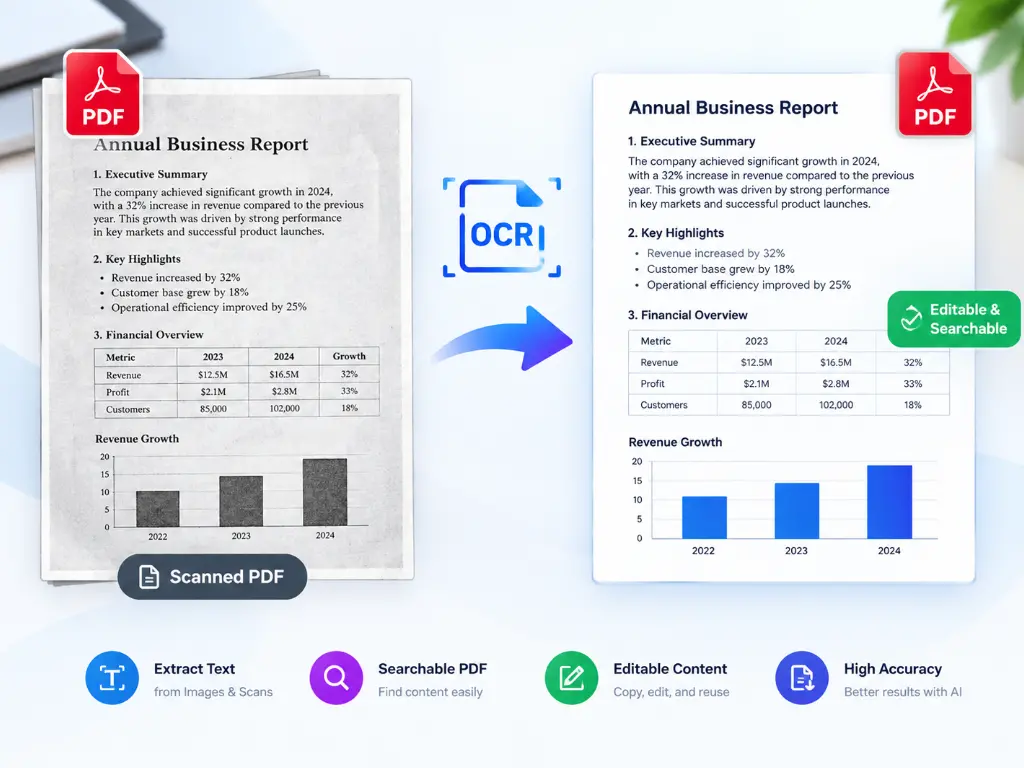
Transform your PDFs with our advanced OCR technology for quick and accurate text recognition.
Upload your file
Choose an image file
How to Use Our Free OCR PDF
Upload Your PDF
Upload your PDF document from your computer
Click on OCR PDF button
It will take 5 to 8 second to OCR PDF
Download
Download your searchable PDF
Effortlessly Convert PDF into Searchable PDF with OCR Technology
Use our free online OCR tool to scan PDF documents, enabling easy text recognition and creating searchable PDFs for enhanced productivity.
Why use our OCR PDF
Extract Text from Images
Use OCR to convert scanned images into editable text.
Digital Archive Creation
Make PDF documents searchable for easy access and retrieval.
Automate Data Entry
Scan to text for quick input into databases.
Improve Accessibility
Create searchable PDF for visually impaired users.
Efficient Document Management
OCR for PDF documents aids better organization and searchability.
FAQ: Frequently Asked Questions
Free online OCR (Optical Character Recognition) is a technology that converts scanned images of text into editable and searchable digital text. By uploading your images or PDFs to a trusted OCR platform, it processes the content and extracts text seamlessly, allowing you to make your documents searchable or editable.
OCR text recognition can enhance your PDF documents by allowing you to convert PDF into text. This means you can edit, search, and copy text from images and scanned documents that were previously non-editable, thus improving productivity and accessibility.
The process of scanning to text involves capturing an image of a physical document with a scanner. Once scanned, the OCR software analyzes the image and recognizes the text, allowing you to convert it into a digital format. This process is quick and efficient, particularly useful for archiving documents.
Yes, our OCR PDF service specialize in PDF text recognition. These services effectively convert lossy scanned images or complex PDF files into usable text formats, enabling you to make your PDF searchable and editable. This is particularly useful for digitizing old documents or library archives.
To create a searchable PDF, you can use a reliable online OCR tool. Simply upload your PDF document, and the software will apply OCR technology to recognize and extract the text, allowing you to save the document in a searchable format. This enhances both accessibility and ease of use.
OCR for PDF tool can process only multi-page PDFs. It’s highly versatile, making it effective for multiple applications, including archiving and data extraction.
Most reputable online OCR services prioritize user security, employing encryption and secure data processing protocols. Al ways opt for reliable platforms that clearly outline their privacy and security policies to protect sensitive information when using OCR to make PDFs searchable.
Our online OCR service may have limitations such as a file size cap, a limited number of conversions per day, and sometimes reduced accuracy, particularly with complex documents or less distinct text.