Convert MP4 to AVI Online Instantly with RGBKit

Quickly convert MP4 videos to AVI format online for free without watermark. Enjoy high-quality AVI conversion directly in your browser.
Drag & Drop video files here!Tap to upload video files
Supported formats: MP4, AVI, MOV, WMV and MKV.

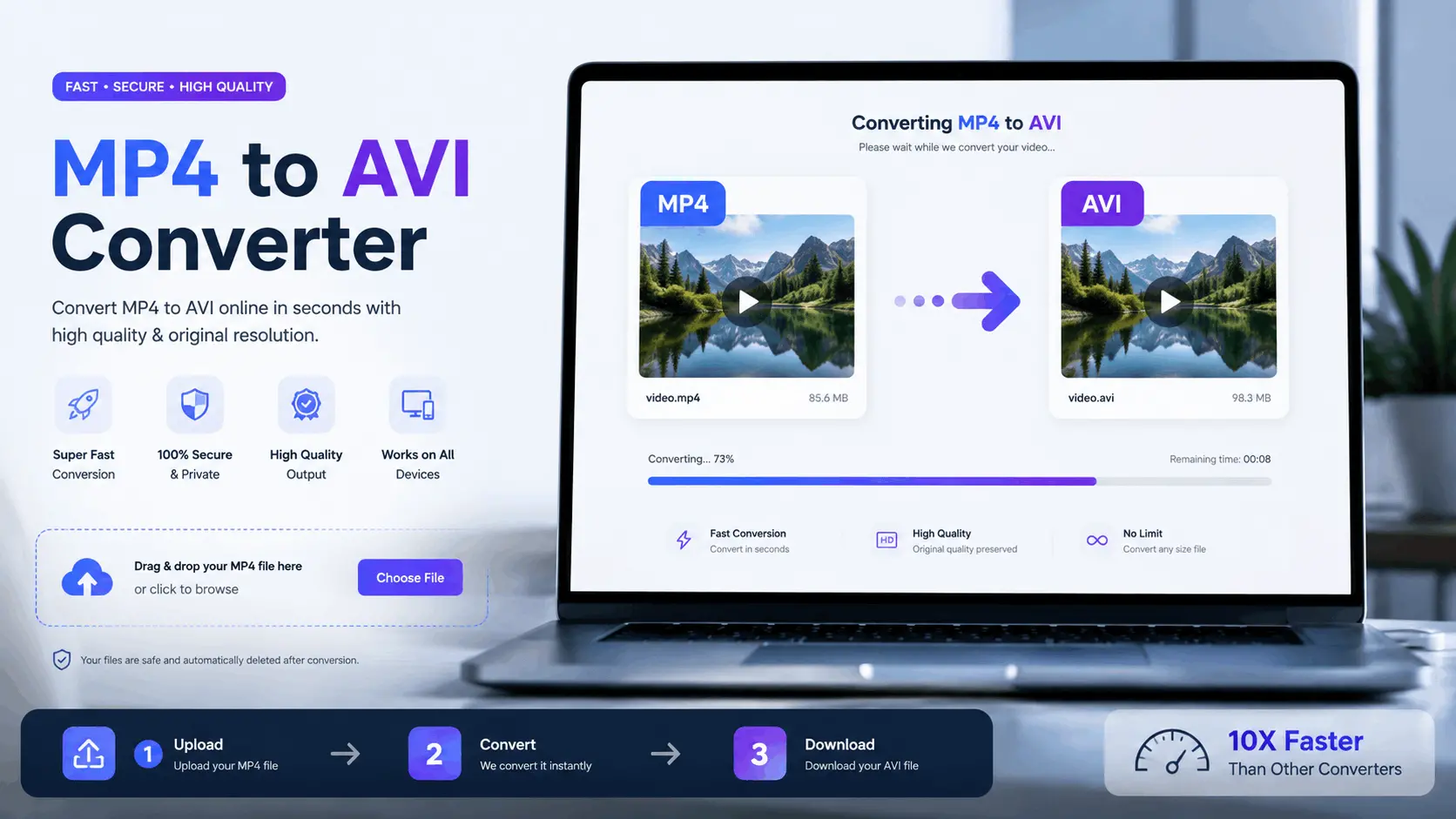
How to Convert MP4 to AVI Online

Step 1

Upload Your MP4 Video

Select and upload the MP4 video you want to convert.

Step 2

Convert to AVI

Wait a few seconds while RGBKit converts your MP4 file into AVI format.

Step 3

Download AVI File

Download your high-quality AVI video instantly.

Convert MP4 to AVI Online Without Losing Quality

Use RGBKit’s free MP4 to AVI converter to transform your videos quickly and securely. Enjoy smooth AVI conversion without watermark or software installation.

Convert MP4 to AVI for Better Device Compatibility

RGBKit helps you convert MP4 to AVI online so your videos work seamlessly on older media players, TVs, and editing software. AVI files are widely supported across legacy systems, making them perfect for playback and sharing. With RGBKit’s online MP4 to AVI converter, you can upload your MP4 videos and instantly get AVI files without compromising quality.

Free MP4 to AVI Converter for Video Editing

Many professional editing tools work efficiently with AVI files. RGBKit’s free MP4 to AVI converter allows creators and editors to prepare videos for editing workflows quickly. Convert MP4 video to AVI directly from your browser without downloading bulky desktop software. Save time while maintaining excellent video clarity and smooth playback performance.

Convert Video to AVI for Easy Sharing

Need a video format compatible with multiple platforms and devices? RGBKit makes it simple to convert video to AVI online in just a few clicks. Whether you’re sharing educational videos, office presentations, or personal clips, AVI files ensure better accessibility for viewers using older systems and applications.

Online MP4 to AVI Converter for Fast Processing

RGBKit’s online MP4 to AVI converter is designed for speed and convenience. Upload your MP4 file, let the tool process it securely in the cloud, and download the AVI version instantly. No registration, installation, or technical expertise required. Enjoy fast conversion directly from your desktop or mobile browser.

Convert MP4 Video to AVI Without Watermark

Unlike many online tools, RGBKit allows you to convert MP4 video to AVI without adding watermarks to your files. This is ideal for professionals, students, content creators, and businesses that require clean, high-quality video outputs. Preserve your branding and maintain a professional appearance with every converted file.

AVI Converter Online for Educational and Business Videos

AVI remains a reliable format for educational tutorials, business presentations, and archived video collections. RGBKit’s AVI converter online ensures your MP4 videos are transformed into highly compatible AVI files suitable for projectors, office systems, and training platforms. Convert your files effortlessly while preserving video integrity.

Why Use Our MP4 to AVI Converter

Fast Video Conversion

Convert MP4 to AVI online within seconds.

No Watermark

Download clean AVI videos without branding.

High Compatibility

AVI files work on older devices and software.

Browser-Based Tool

Use the converter online without installing software.

Free and Secure

Convert videos safely and completely free.

FAQ: Frequently Asked Questions

RGBKit allows you to convert MP4 to AVI online for free in just a few steps. Upload your MP4 file, start the conversion process, and download the AVI file instantly without installing software.

No, RGBKit converts MP4 video to AVI without adding any watermark. Your downloaded AVI file remains clean and professional.

Yes, RGBKit’s online MP4 to AVI converter works smoothly on desktop, tablet, and mobile browsers, allowing you to convert videos anytime and anywhere.

AVI format provides excellent compatibility with older media players, editing software, and operating systems. It is widely used for playback, archiving, and editing purposes.

Yes, you can use RGBKit’s AVI converter online without registration or sign-up. Simply upload your file and start converting instantly.

RGBKit is optimized to maintain high video quality during conversion. Your AVI file will retain excellent clarity and smooth playback after processing.