Effortless Audio Extraction Tool for High-Quality Sound
Experience Rich Sound Quality with our Free Audio Extraction Tool
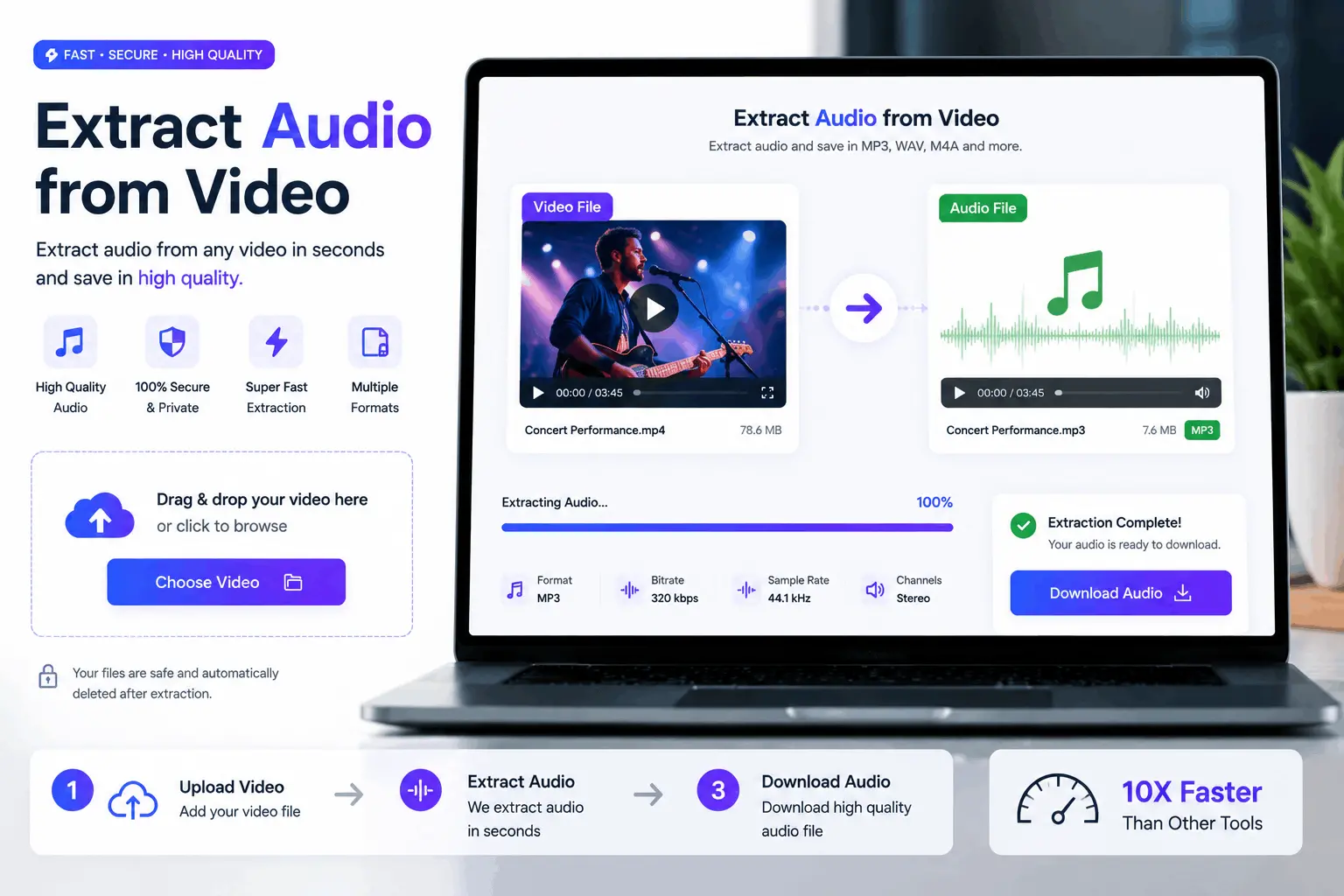
How to Use Our Free Extract Audio From Video
Upload Your Video
Upload your video from your mobile or computer
Wait for Second
It will take some time to Extract Audio From Video
Download
Download Your Audio
Master Audio Manipulation with our Extract Audio From Video Tool
Bring your audio to life by using our Extract Audio From Video tool free of charge. Leverage its user-friendly interface to isolate and extract soundtracks from any video!
Why use our Extract Audio From Video
Convert Video Tutorials to Podcasts
Transform educational content to audio for easy learning.
Create Custom Ringtones
Extract audio from favorite videos for unique ringtones.
Grab Quotes from Interviews
Pull audio snippets from interviews for promotional content.
Develop Language Learning Material
Use video dialogues to form language practice audios.
Generate Audio Books
Convert visually represented stories into listenable book formats.
Extract Background Music from Videos
Capture background music for reuse in creative projects.
Create Sound Effects Library
Extract unique sound effects from videos for multimedia projects.
Separate Vocals for Music Sampling
Isolate vocals or instruments from music videos for remixes.
FAQ: Frequently Asked Questions
The Extract Audio From Video tool allows you to extract sound from video files, get audio from video clips, and separate audio for creating podcasts, music sampling, or sound effects.
Yes, our tool supports various video formats, making it easy to extract music from video files, strip audio tracks, or get audio for use in podcasts, ringtones, and language learning.
Our tool is designed to be simple and accessible, allowing both beginners and professionals to easily separate audio from video files, capture audio snippets, and save them in high-quality formats.
Unlike other tools, ours can quickly extract audio from videos while maintaining sound quality. It supports multiple use cases such as extracting sound for music sampling, grabbing quotes from interviews, and isolating vocals from music videos.
Yes, our tool is completely free, allowing you to get audio from video files, strip audio tracks, and extract music without any hidden costs.
The tool processes files quickly and efficiently. Whether you need to extract audio from a short clip or a long video, it can get audio from video in just a few minutes, saving time and effort.
Yes, the tool is perfect for music producers who want to extract music from video clips and use it as musical samples, enhancing creativity with unique sound elements.
Absolutely! You can easily strip audio from video files to create a collection of sound effects for use in films, video games, and other multimedia projects.