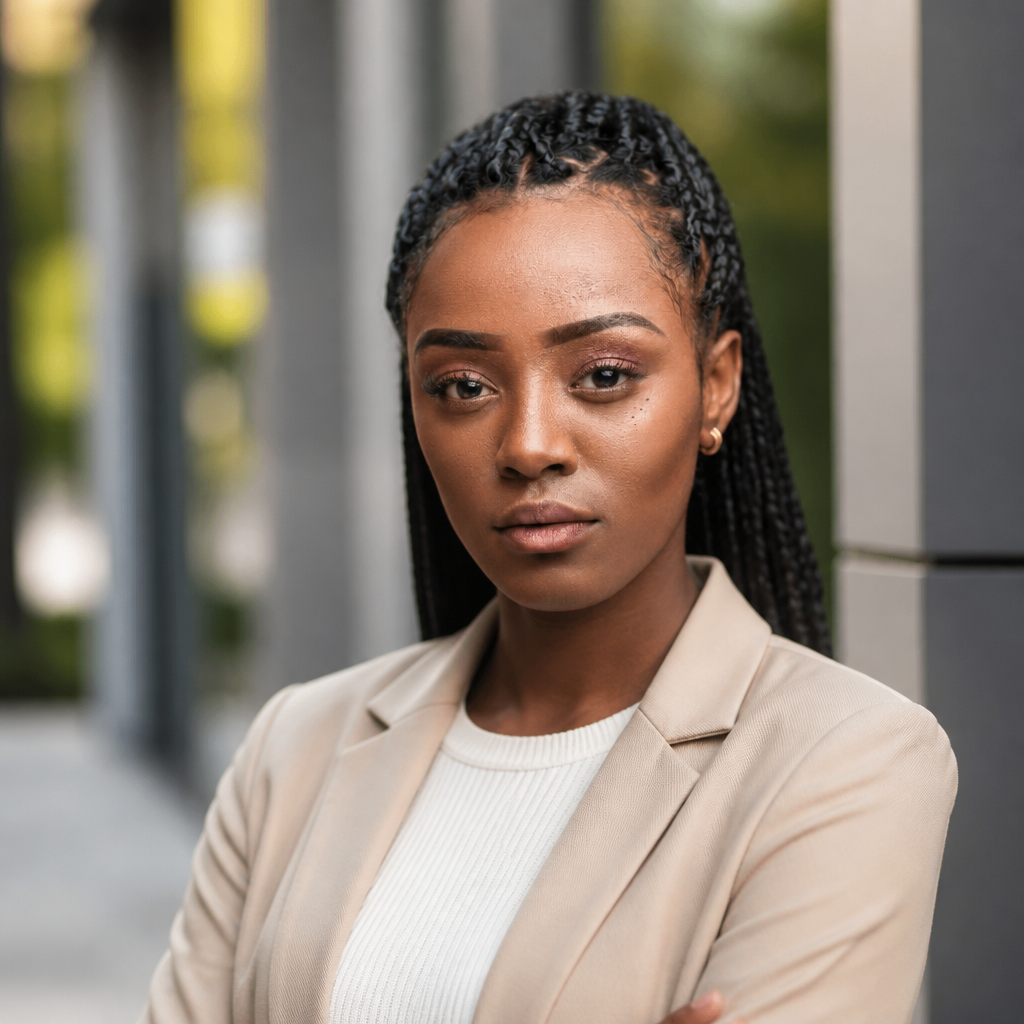
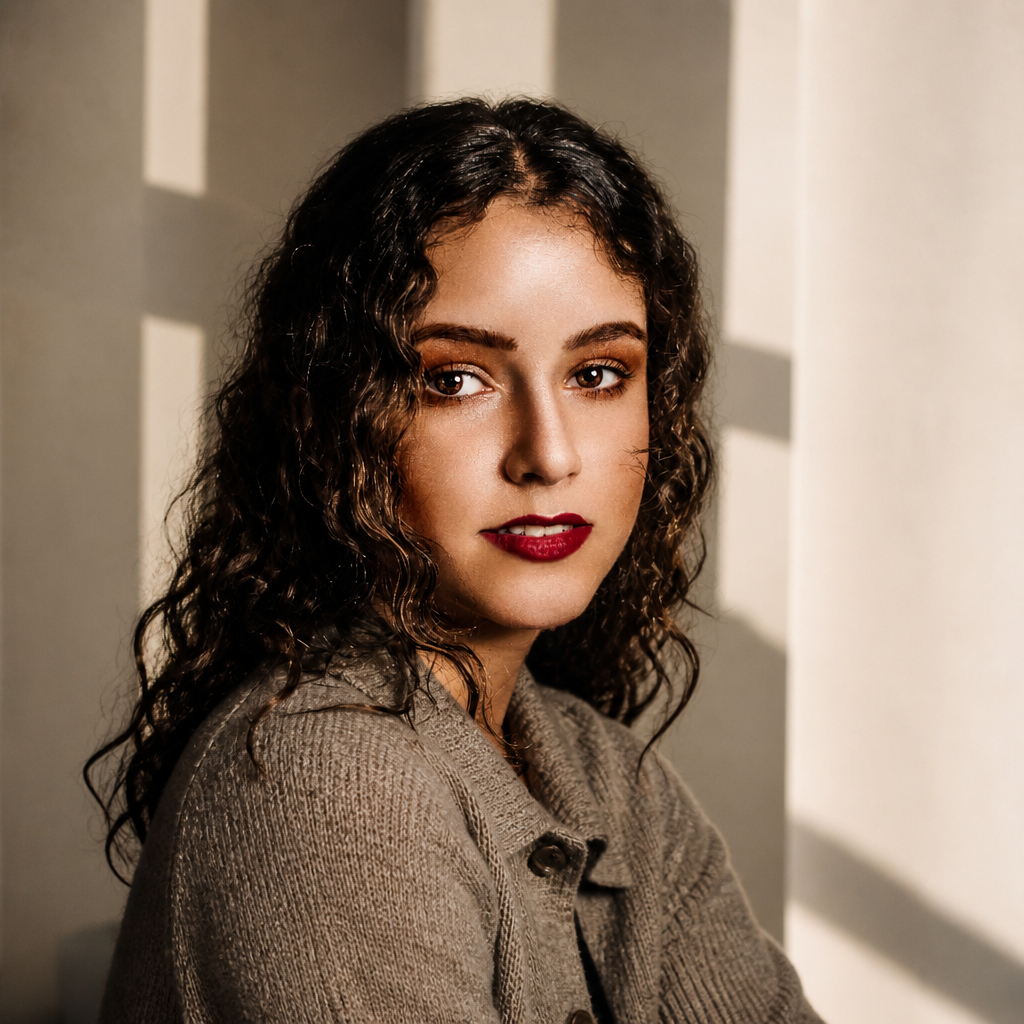
Create a cinematic, photorealistic streetwear fashion photos
Copy this model photoshoot prompt to generate stunning AI images. Optimized for 16:9 aspect ratio.

Full Prompt Text
Copy this prompt to recreate a similar AI-generated image
Create a cinematic, photorealistic streetwear fashion photoshoot of a very pretty young Italian girl standing on an outdoor basketball court. IDENTITY & OUTFIT: Keep the reference girl’s face, identity, hairstyle, body proportions, and outfit exactly unchanged. Do not beautify, reshape, or alter her facial features or clothing. POSE: She stands naturally with her head slightly lowered, gently covering part of her face with one hand. Relaxed, effortless, confident fashion pose. MOTION EFFECT: Multiple realistic motion clones of the same girl walking around her in different positions, creating a dynamic long-exposure motion-blur effect. The main subject remains perfectly sharp and in focus. ENVIRONMENT: Outdoor basketball court, urban setting, trees in the background, dark dramatic cloudy sky. LIGHTING & STYLE: Dramatic cinematic lighting, high contrast, realistic shadows, subtle rim light, natural skin texture, shallow depth of field, sharp main subject, atmospheric background. AESTHETIC: Premium streetwear fashion editorial, moody urban photography, realistic smartphone/DSLR photography, authentic motion blur, cinematic composition, highly photorealistic.
About this AI prompt
Create a cinematic, photorealistic streetwear fashion photos is a curated model photoshoot prompt for AI image generation. Use it with RGBKit's free AI Image Generator to create high-quality visuals at 16:9 aspect ratio. Browse more Model Photoshoot prompts or explore the full prompt library.