YouTube Thumbnail Resizer Online
Resize images to the perfect YouTube thumbnail size of 1280×720. Create sharp, professional thumbnails that look great in search results, recommendations, and mobile feeds.
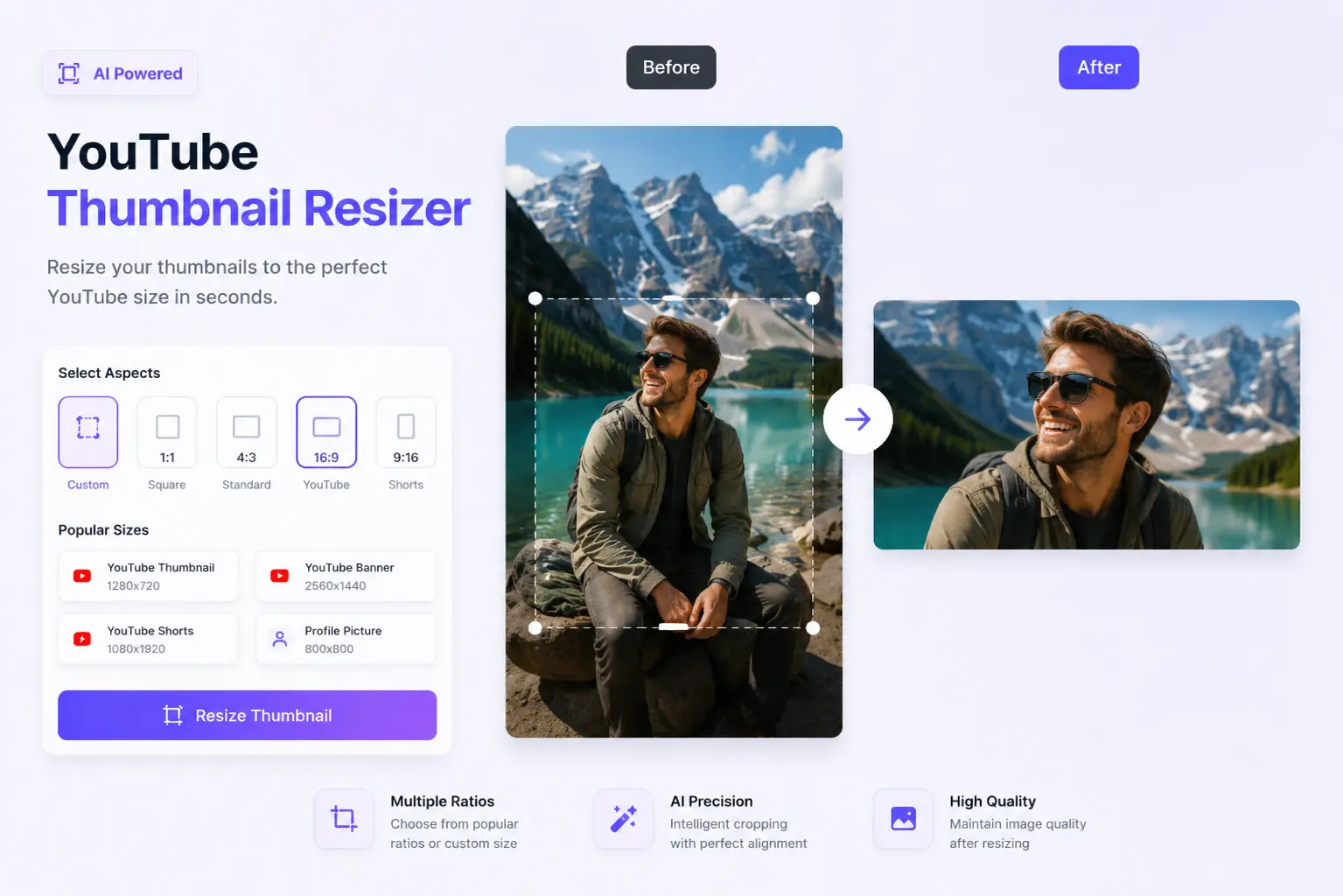


How to Resize a YouTube Thumbnail
Upload Your Image
Pick the image you'd like to turn into a YouTube thumbnail.
Resize to 1280x720
We'll automatically resize it to YouTube's ideal thumbnail dimensions for you.
Download Thumbnail
Grab your newly resized thumbnail in high quality, ready to upload.
A Thumbnail Resizer Built for Content Creators
If you've ever uploaded a thumbnail only to have YouTube crop it weird, you know how frustrating wrong dimensions can be. RGBKit fixes that by resizing your images to the right size so they look sharp and clean on every device, every time.
Why Creators Use RGBKit's Thumbnail Resizer
Perfect 1280x720 Size
Get your thumbnails sized exactly the way YouTube recommends.
Quality Stays Sharp
Your thumbnail stays crisp and clear after resizing.
Resize in One Click
No fiddling around - just upload and you're done.
Works Everywhere
Use it on your laptop, tablet, or phone, whatever you have handy.
Completely Free
Resize as many thumbnails as you need, right in your browser.
FAQ: Frequently Asked Questions
YouTube recommends 1280x720 pixels, which is a 16:9 aspect ratio.
No - RGBKit resizes your image while keeping it sharp and clear.
You can upload common formats like JPG, PNG, and WebP.
Getting the size right avoids weird cropping or stretching and makes your thumbnail look good on any device.
Yep - RGBKit's thumbnail resizer works fine on desktop, tablet, and mobile browsers.