You scan a contract and pages 12 and 13 are swapped. Four department PDFs need to become one file. A 50-page report arrives and you only need pages 8–15.
Printing, reshuffling, and scanning again is a waste of time. So is buying software you’ll use twice a year.
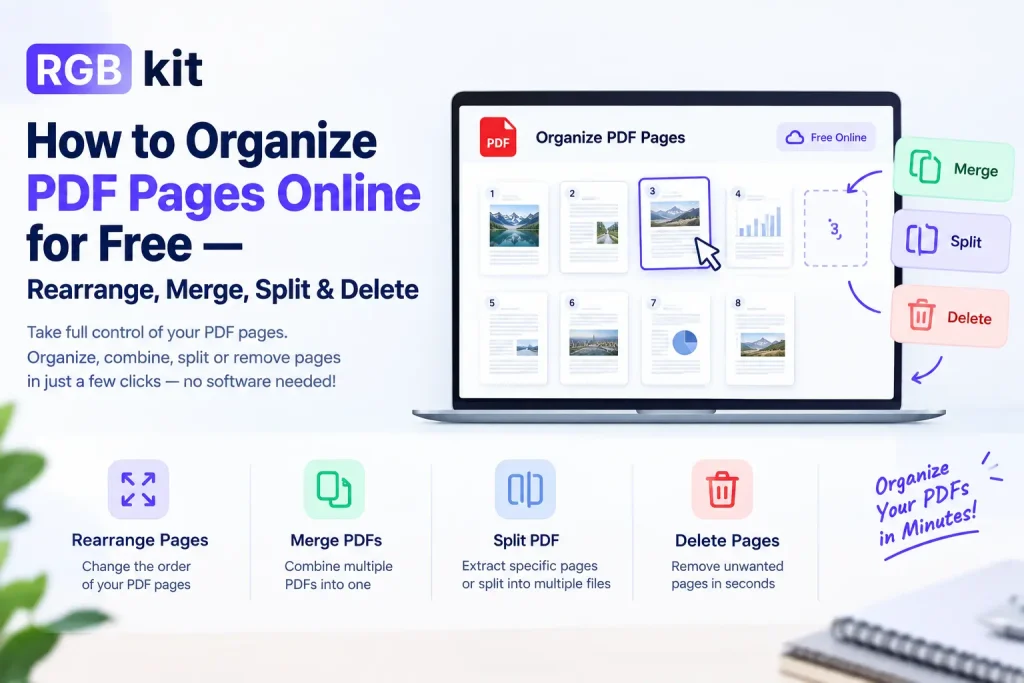
RGBKit’s Organize PDF tool — plus merge, split, rearrange, and remove — lets you fix page structure in the browser. Free, no install, no account.
Why Organize PDF Pages?
Out-of-order pages look careless. Extra blanks and unused sections make files bigger and harder to read. Sharing a full document when only a few pages matter can also expose information that shouldn’t leave your desk.
Fix the structure once — then share a clean, intentional file.
Which Tool Should You Use?
|
I need to… |
Use this tool |
|---|---|
|
Reorder, delete, and rotate in one go |
|
|
Just reorder pages |
|
|
Delete specific pages |
|
|
Combine multiple PDFs into one |
|
|
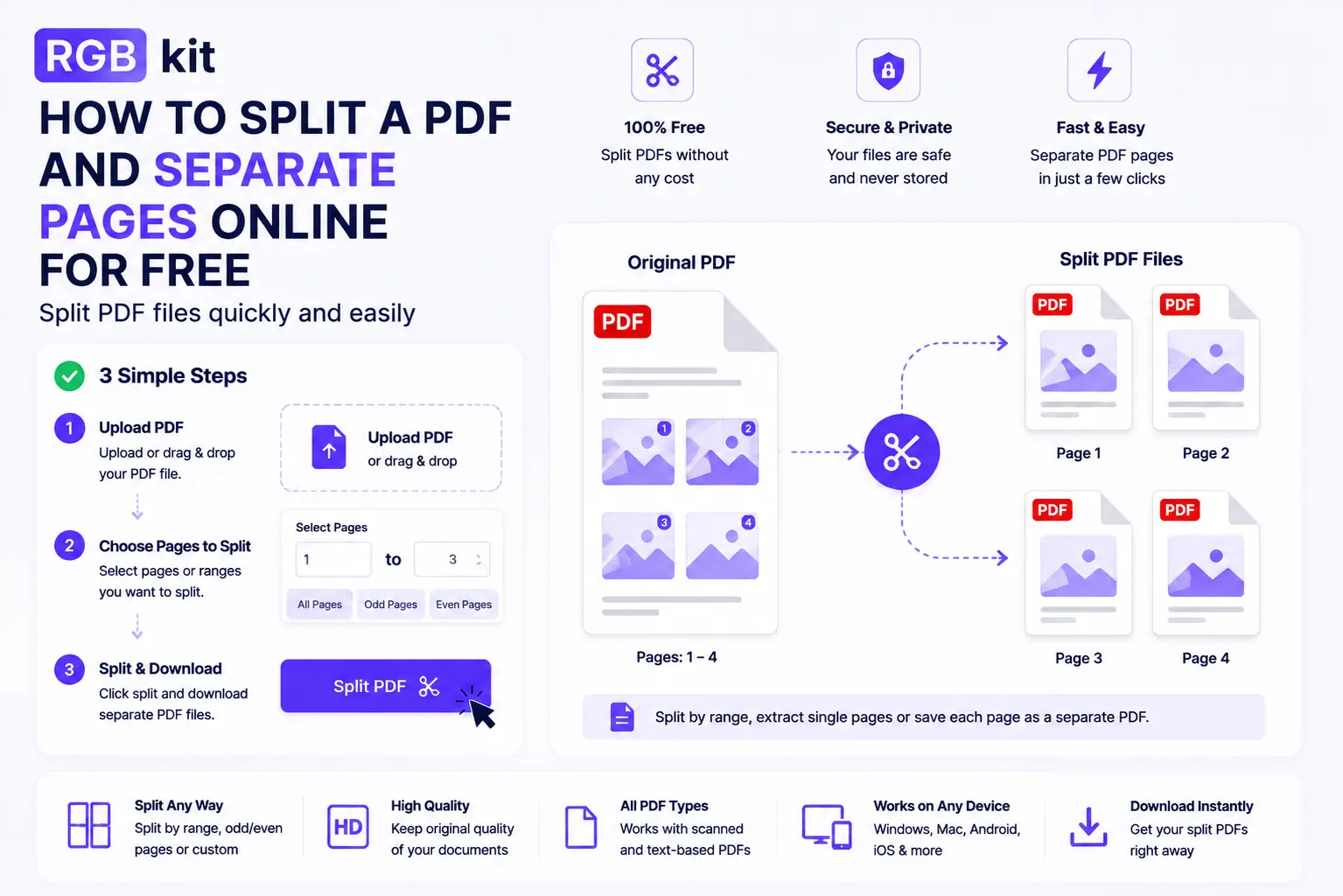
Extract pages or split into parts |
Organize PDF is the all-in-one option when a document needs more than one fix. Use the focused tools when the job is simple.
How to Organize a PDF with RGBKit
-
Open Organize PDF
-
Upload your file
-
Drag pages into the right order, delete blanks, rotate if needed
-
Preview, then download
For a quick reorder only, use Rearrange PDF Pages. To strip pages, use Remove Pages. To combine files, use Merge PDF. To pull out a range, use Split PDF.
Tips
-
Work on a copy so the original stays safe
-
Merge first, then rearrange when combining files and fixing order
-
Check page count before and after so nothing was dropped by mistake
-
After the order is final, add numbers with Add Page Numbers
-
Name the output clearly (
contract-v2-ordered.pdf) so versions don’t get mixed up
Frequently Asked Questions
How do I rearrange PDF pages for free? Upload to Rearrange PDF Pages, drag thumbnails into order, download. No signup.
Can I delete pages without software? Yes — Remove Pages runs in your browser.
How do I combine several PDFs? Use Merge PDF, set the file order, download one document.
Can I extract just a few pages? Yes — Split PDF can pull a page range into a new file.
Does reorganizing hurt quality? No. Text, images, and formatting stay the same.
Can I do this on my phone? Yes. All tools work in mobile browsers on iPhone, Android, and tablet.
Organize PDF vs Rearrange PDF Pages? Organize handles reorder + delete + rotate in one session. Rearrange is for quick drag-and-drop reordering only.
Final Thoughts
Wrong order, extra pages, or too many files — pick the tool that matches the job, fix the structure, and download a clean PDF.
Start with Organize PDF when you need full control, or jump straight to Rearrange, Remove, Merge, or Split. Free, browser-based, no signup.