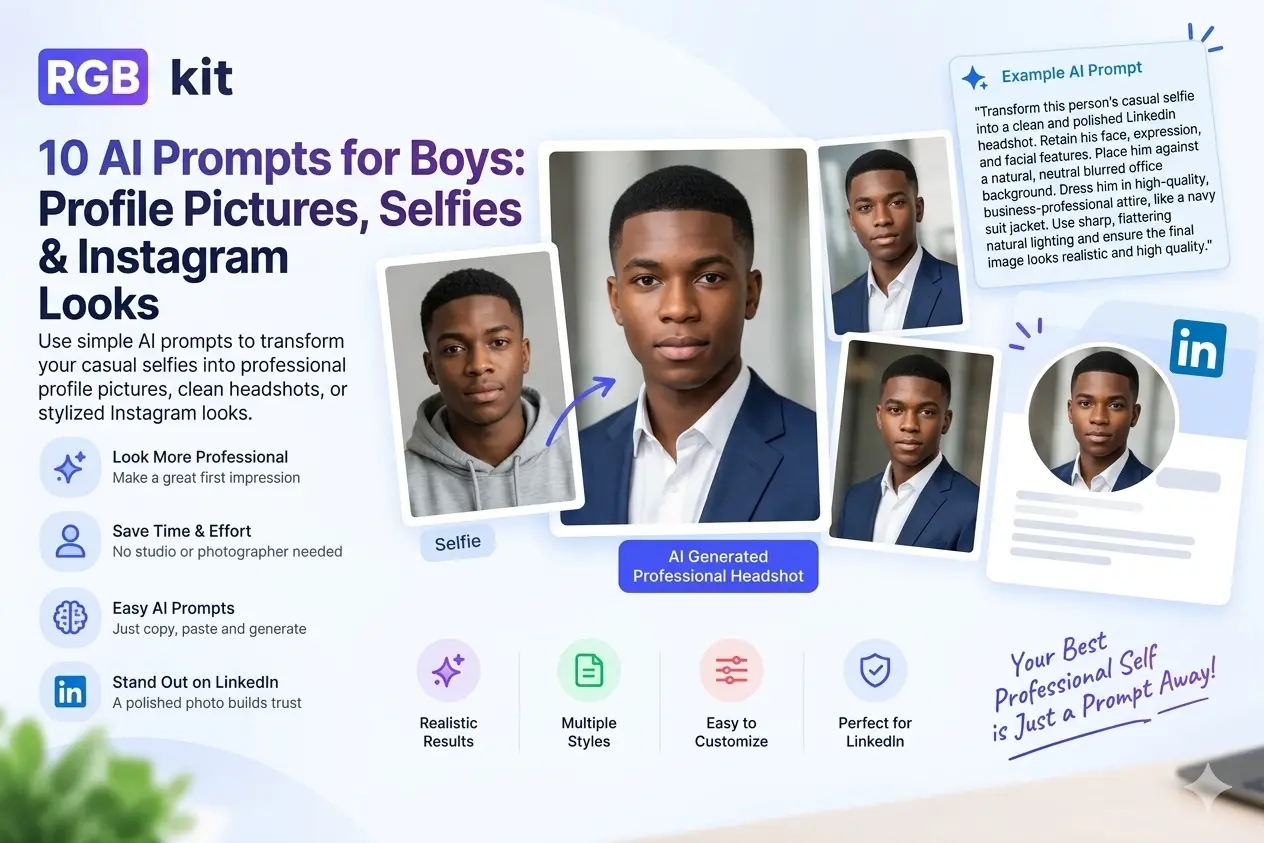
Scroll LinkedIn and it looks like everyone booked a studio photoshoot for LinkedIn profile. Soft light. Clean backdrop. Sharp eyes. Polished clothes.
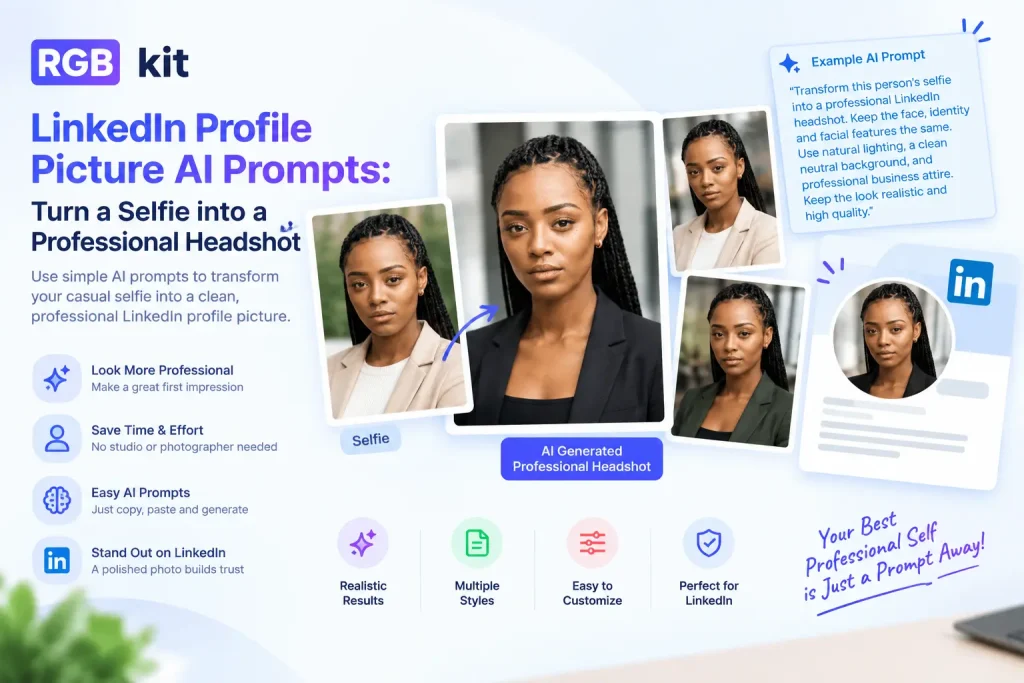
A lot of those photos did not come from a photographer. They started as everyday selfies — then an AI image generator and a clear prompt did the rest.
This guide gives you ready-to-use prompts for a strong LinkedIn profile picture, plus the LinkedIn cover photo specs most people get wrong. You will also learn how to convert picture files into recruiter-ready headshots with RGBKit’s free AI Image to Image tool — a simple profile picture maker that works in your browser.
What Makes a Strong Prompt for a LinkedIn Profile Image
Vague instructions produce plastic skin and a face that is not quite yours. Strong prompts for a linked in profile picture spell out attire, backdrop, light, crop, and realism.
|
Include this |
Spell it out |
Why it helps |
|---|---|---|
|
Attire |
Business formal, business casual, blazer, open collar |
Matches your role and personal brand |
|
LinkedIn image background |
Soft gray, warm neutral, office blur, outdoor bokeh |
Keeps attention on your face |
|
Lighting |
Soft studio light or window daylight |
Avoids harsh shadows and flat faces |
|
Framing |
Chest-up or head-and-shoulders, eye level |
Classic LinkedIn crop |
|
Expression |
Confident, approachable, natural smile |
Feels human, not stiff |
|
Skin & detail |
Natural texture, realistic hair, no heavy beauty filter |
Stops the “AI face” look |
|
Style |
Photorealistic professional headshot |
Blocks cartoon or fantasy styles |
|
Aspect ratio |
Square 1:1 for profile; wide for cover |
Fits LinkedIn layout correctly |
Quick formula:
identity lock + attire + linkedin image background + lighting + framing + expression + photorealistic finish + square crop
LinkedIn Cover Photo Specs (Size Guide)
Your LinkedIn profile image is only half the first impression. The banner — also called a LinkedIn background photo or cover — frames the whole header.
Use these LinkedIn cover photo specs when you design or crop:
|
Item |
Recommended size |
|---|---|
|
LinkedIn cover photos size |
1584 × 396 pixels (desktop display) |
|
LinkedIn cover picture size (safe zone) |
Keep important text and logos inside the center ~1200 × 300 area |
|
Aspect ratio |
Roughly 4:1 wide banner |
|
File type |
JPG or PNG |
|
File size |
Under LinkedIn’s upload limit (keep it compressed but sharp) |
Profile vs cover in one line:
-
LinkedIn profile picture → square, face-forward, chest-up
-
LinkedIn background photo → wide banner, brand message or clean scene, no face crop conflicts with the circle avatar
If you generate a banner with an AI edit photo workflow, ask for a wide landscape composition — not a square headshot.
Best General Prompt for a LinkedIn Profile Picture
Upload a clear selfie to RGBKit Image to Image, then paste this. It works as a baseline for almost any industry.
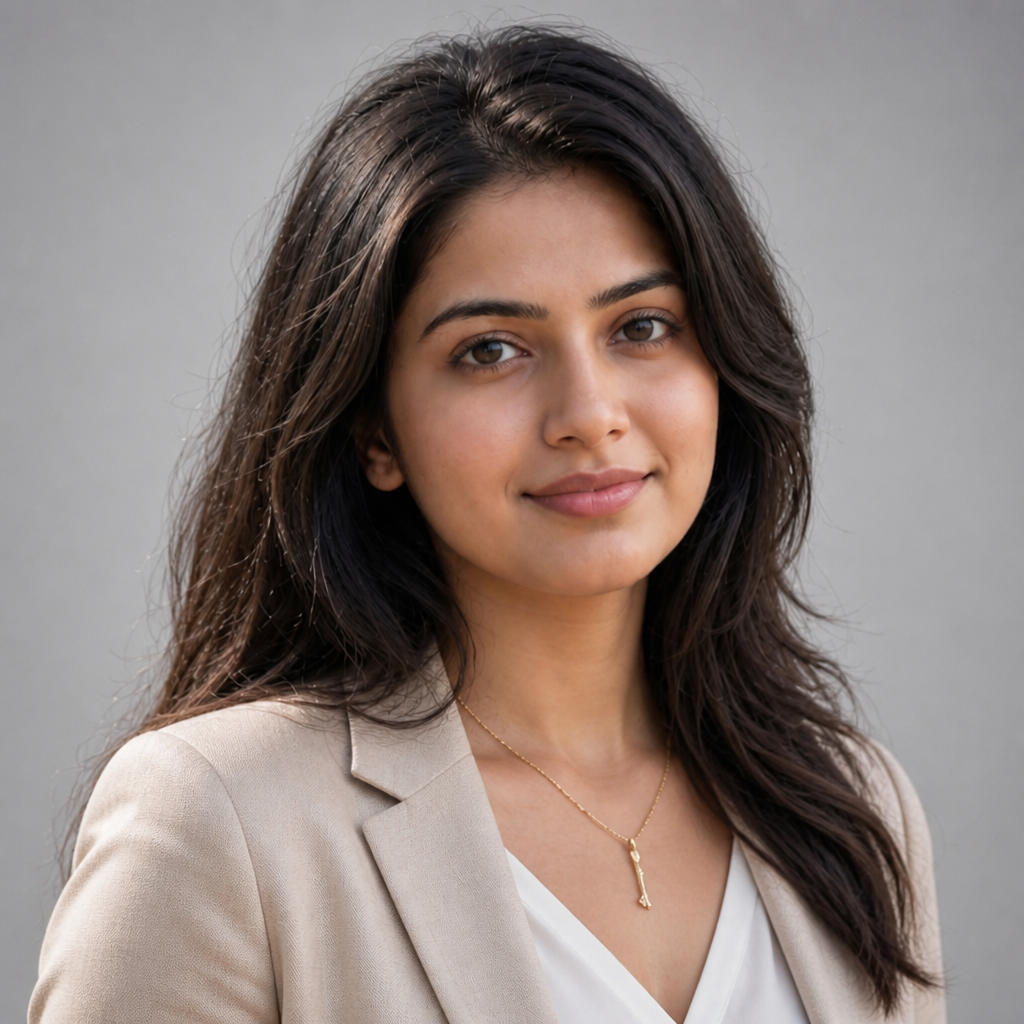
Using my uploaded photo as the only identity reference, create a photorealistic LinkedIn profile picture. Keep my real face, skin tone, age, hairstyle, and natural features unchanged — no beautifying, reshaping, or face swaps. Dress me in clean business-casual clothing. Use soft studio lighting, a simple neutral LinkedIn image background, and a calm confident expression. Frame from the upper chest at eye level. Preserve real skin texture and hair detail. Avoid plastic skin, heavy retouching, logos, text, or badges. Square 1:1 professional headshot.Why it works: It tells the picture AI generator what to improve (light, clothes, background) and what not to invent (your face).
Prompts by Look and Audience
Pick the style that matches how you want to show up. Every prompt below is written for image-to-image: upload a selfie first, then generate.
1. Classic Corporate Headshot
Best for: consultants, managers, lawyers, HR, accountants, corporate roles.
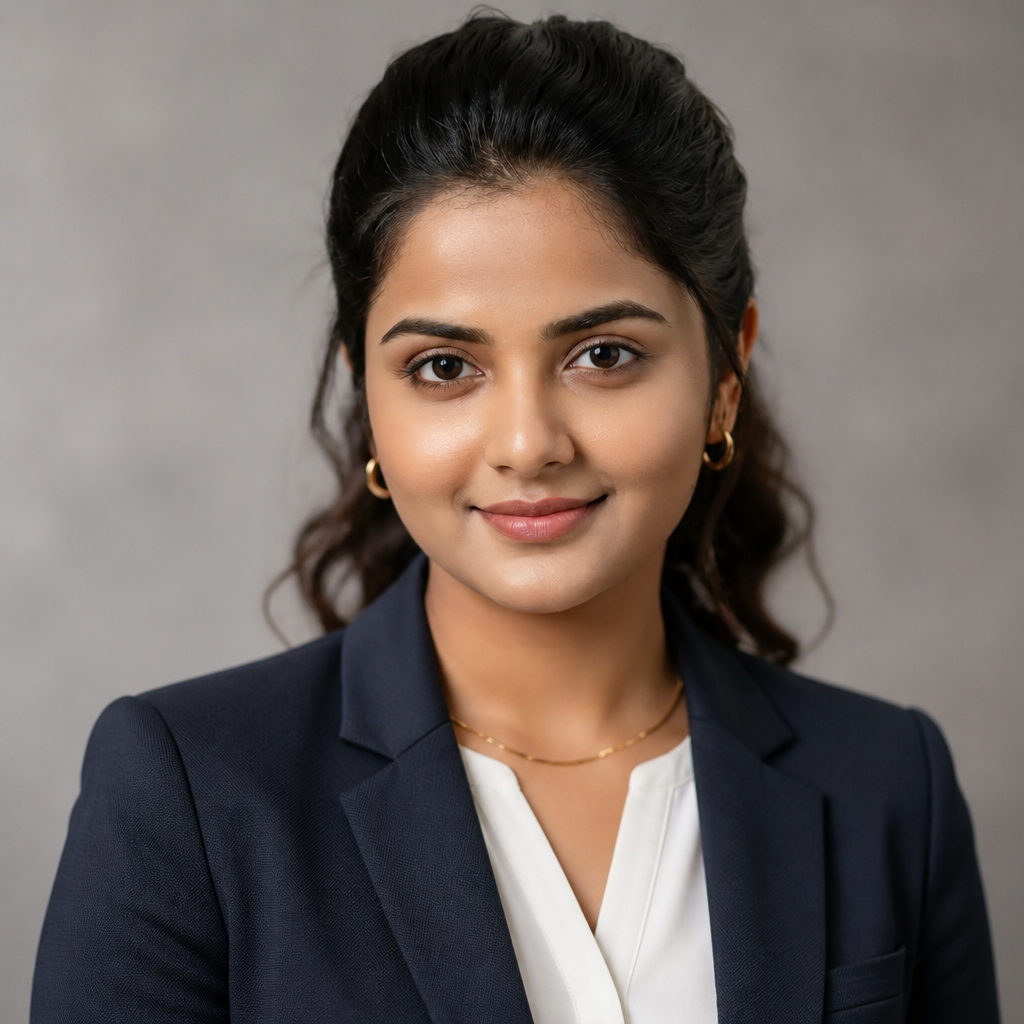
Create a polished corporate LinkedIn profile image from my uploaded selfie. IDENTITY LOCK: keep my exact face shape, eyes, brows, nose, lips, jawline, skin tone, age, and hairstyle. Do not slim, smooth, age, or de-age me. Outfit: tailored navy or charcoal blazer with a simple professional shirt. Background: soft warm-gray studio LinkedIn image background with light depth. Lighting: large soft key light, gentle fill, natural catchlights. Composition: upper chest, eye level, relaxed shoulders, approachable expression. Photorealistic 85mm portrait look, real pores and hair strands, square 1:1. No text, logos, plastic skin, or facial changes.2. Modern Tech Professional
Best for: developers, PMs, engineers, data scientists, UX, tech leads.
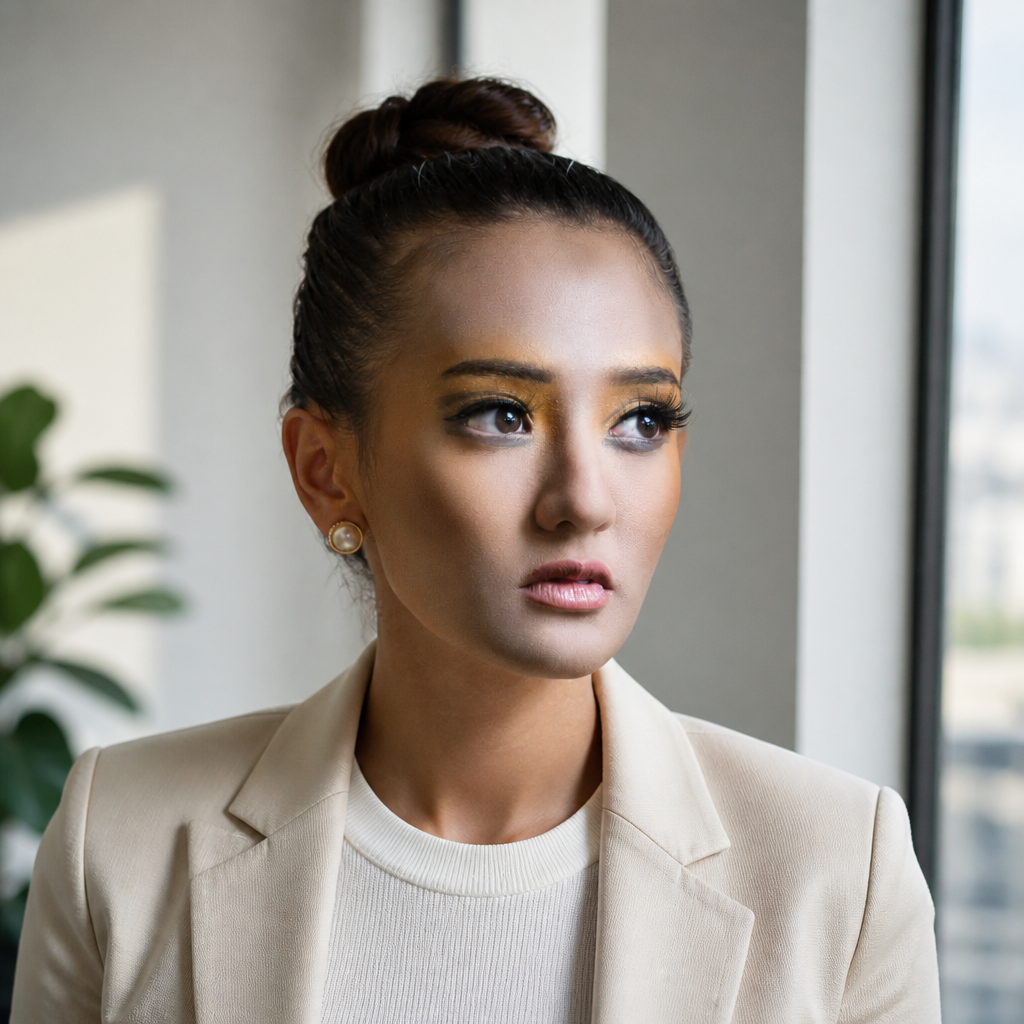
Transform my selfie into a modern tech LinkedIn profile picture. IDENTITY LOCK: preserve my real facial geometry, hairline, and natural proportions. Outfit: elevated smart-casual — clean crew neck or open-collar shirt, optional minimal jacket. Scene: bright contemporary workspace near a window with soft architectural blur. Light: natural daylight with gentle side shadow. Mood: relaxed confidence, not stiff formal. Chest-up, eye-level, 50mm feel, realistic skin, square 1:1. Avoid neon, fake screens, futuristic props, logos, and face reshaping.3. Startup Founder Personal Brand
Best for: founders, entrepreneurs, agency owners, coaches.
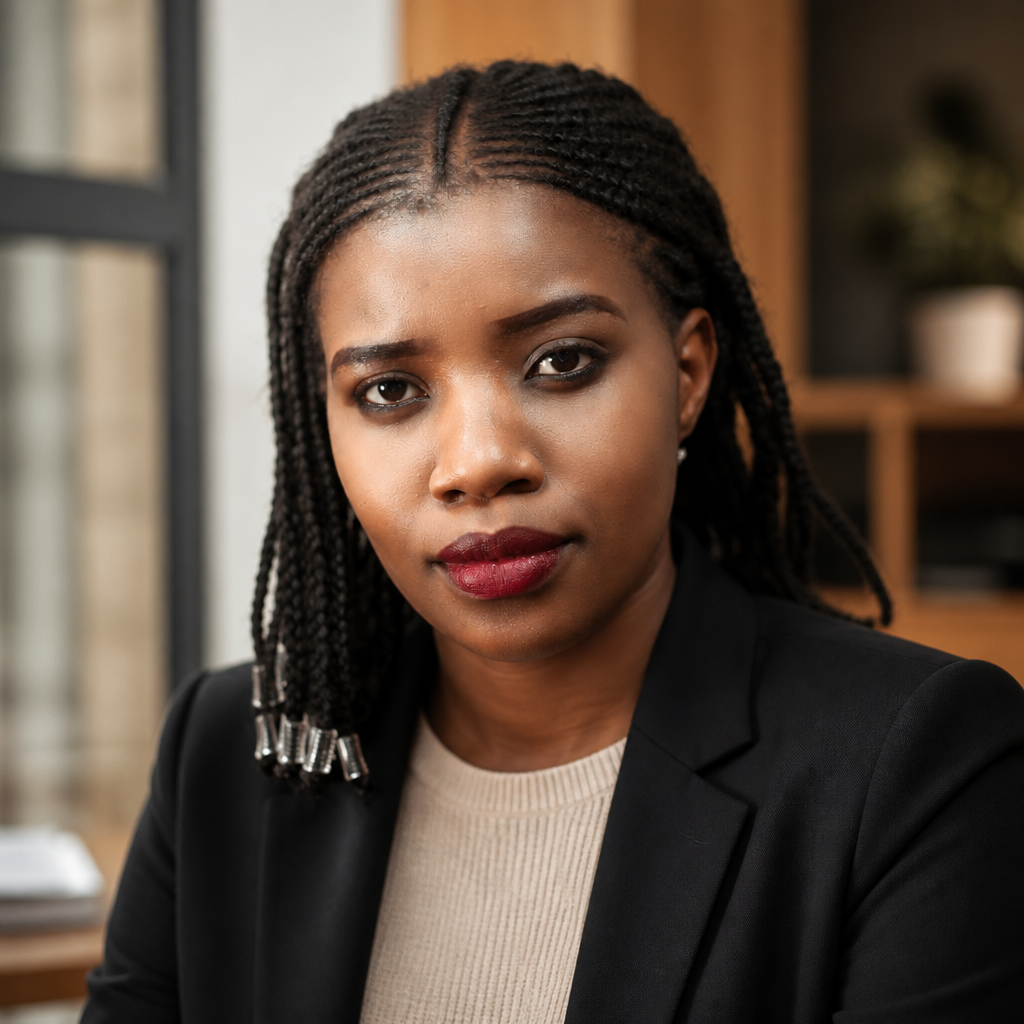
Turn my uploaded photo into a premium founder-style LinkedIn profile image that feels warm and credible. IDENTITY LOCK: I must stay immediately recognizable — same features, age, and hair. Setting: refined workspace with wood, glass, and soft daylight bokeh. Outfit: open-collar shirt, knit top, or understated blazer with no branding. Light: warm side window light with soft fill. Pose: slight shoulder turn, genuine subtle smile. High-end personal-brand photography, 85mm look, chest-up, square 1:1, natural texture. No fake luxury props, logos, text, or over-retouching.4. Finance & Consulting Trust Headshot
Best for: advisors, bankers, analysts, consultants, client-facing roles.
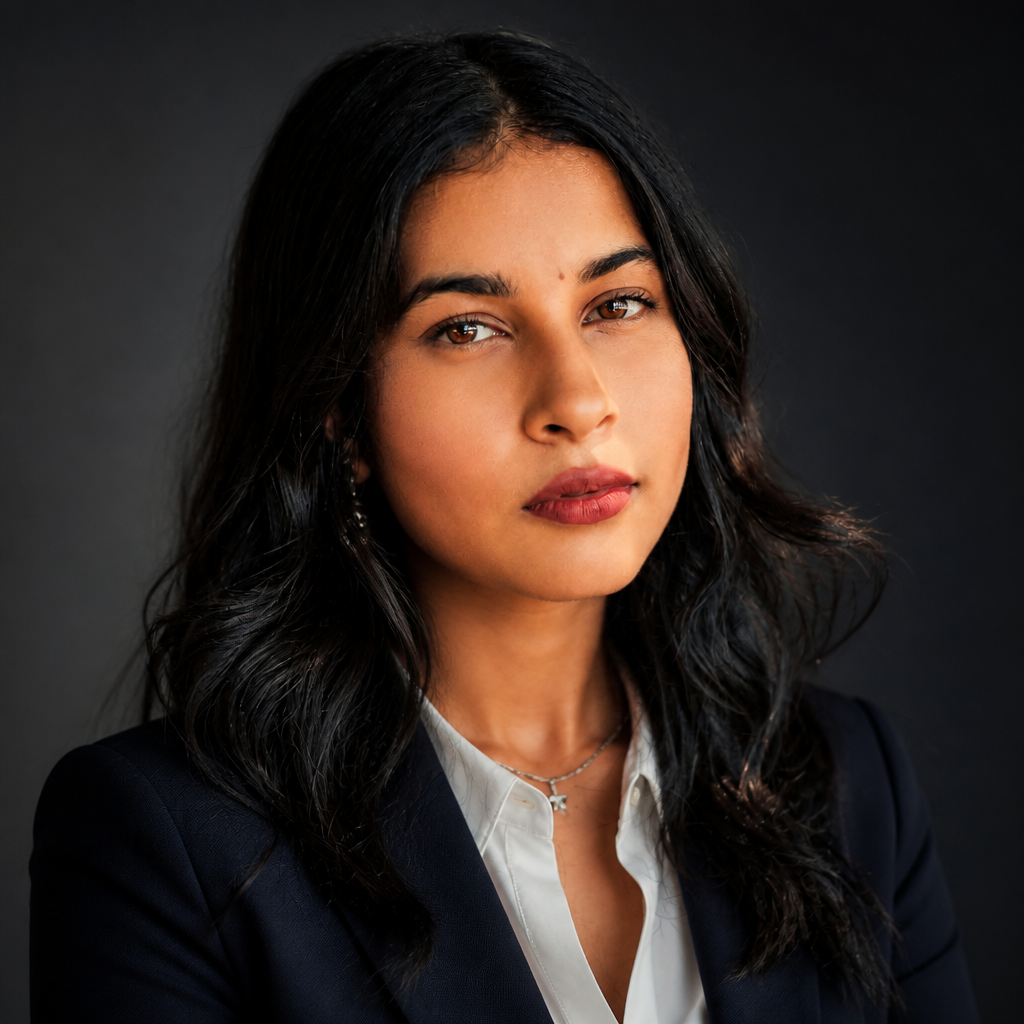
Generate a refined LinkedIn profile picture from my selfie with a trustworthy, composed feel. IDENTITY LOCK: keep natural asymmetry and exact facial details — never symmetrize or glamorize. Outfit: dark tailored jacket with a crisp light shirt. Background: deep neutral gradient studio backdrop. Lighting: soft Rembrandt-style directional light with controlled shadows. Expression: composed, friendly, direct eye contact. 85mm headshot style, upper-chest crop, realistic skin, square 1:1. No lapel pins, company marks, text, or waxy skin.5. Creative Professional Editorial
Best for: designers, marketers, writers, photographers, creative directors.
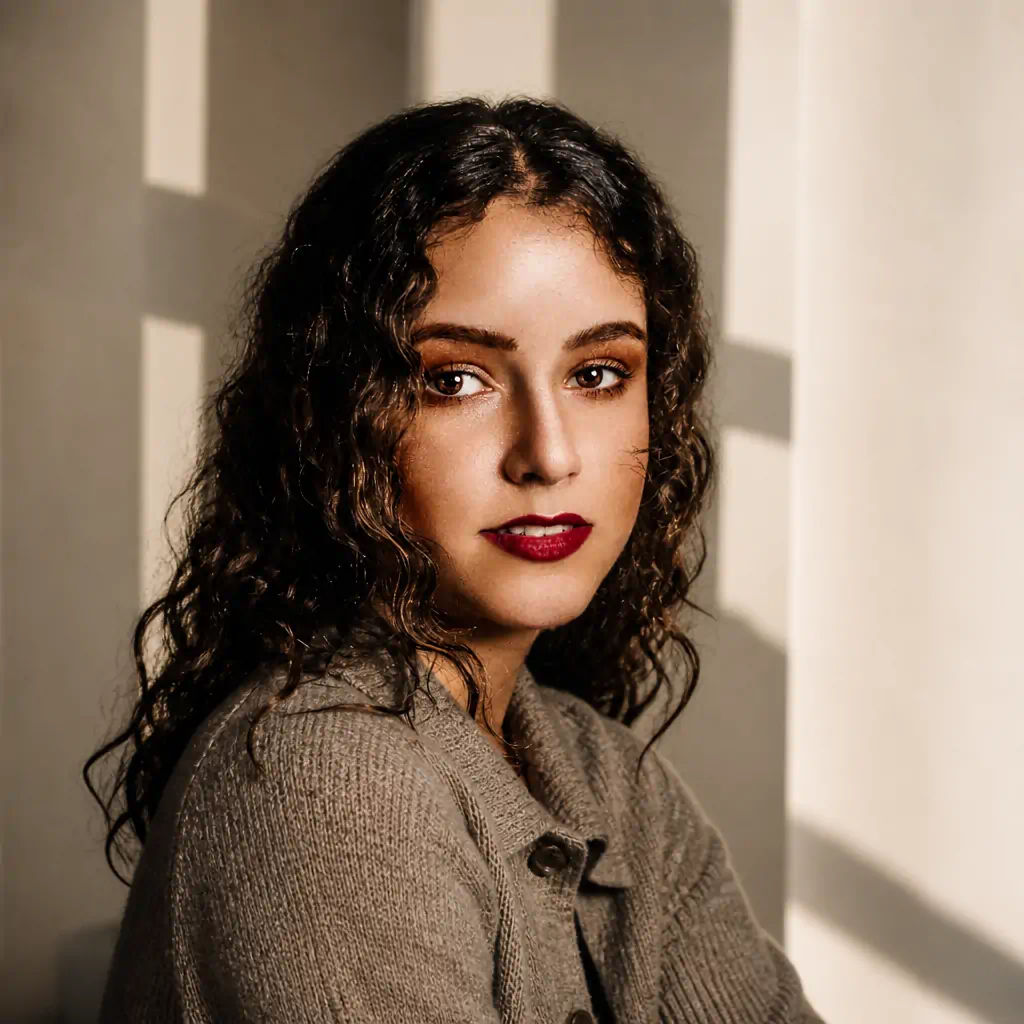
Using my selfie, create an editorial LinkedIn profile image that feels creative yet professional. IDENTITY LOCK: leave my real face untouched — structure, skin tone, age, and hair texture stay the same. Outfit: textured overshirt, structured jacket, or knit top in muted earth tones. Background: minimal architectural shapes in warm neutrals. Light: 45-degree window light with soft shadow for dimension. Framing: slightly off-center, thoughtful approachable expression. Photorealistic editorial portrait, 50mm feel, shallow depth, square 1:1. No fashion-drama props, surreal effects, logos, or face edits.6. Bright Minimal / People-Focused
Best for: recruiters, educators, healthcare admins, customer success.
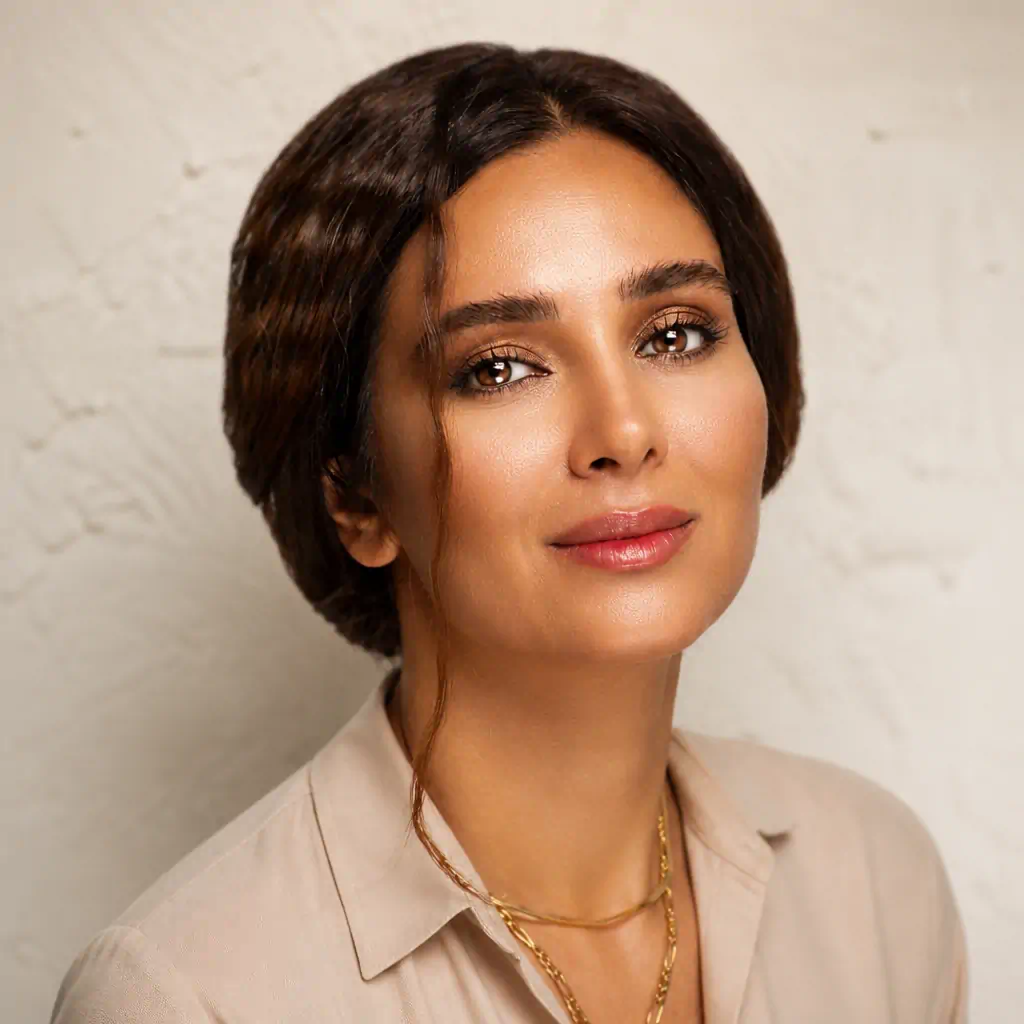
Convert my selfie into a bright, welcoming LinkedIn profile picture. IDENTITY LOCK: preserve identity exactly — no face shape or feature changes. Outfit: simple business-casual in soft neutrals. Background: off-white or light warm-gray with subtle real texture (not pure digital white). Lighting: soft high-key studio light that still keeps gentle depth. Expression: warm genuine smile, relaxed shoulders. Head-and-shoulders, 70–85mm look, natural color, square 1:1. Avoid blown-out skin, whitened teeth, heavy smoothing, text, or logos.7. Outdoor Natural-Light Professional
Best for: architects, real estate, sustainability, approachable brands.
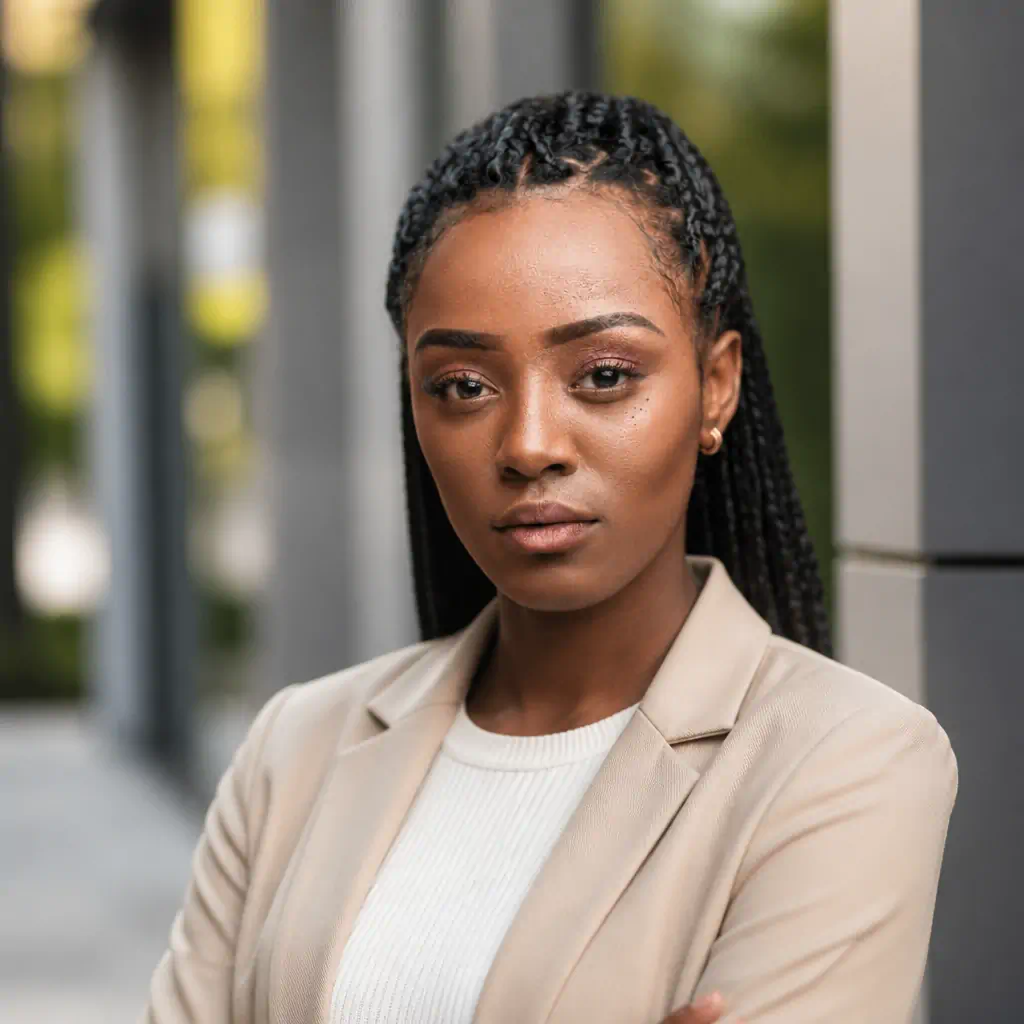
Create a professional outdoor LinkedIn profile image from my uploaded selfie. IDENTITY LOCK: keep my exact face, skin tone, age, and hair. Outfit: polished smart-casual in clean neutrals. Scene: modern architecture with distant greenery, strong background blur so it stays professional. Light: soft morning or late-afternoon side light with believable shadows. Pose: upright, friendly confidence. Environmental portrait, 85mm look, chest-up, square 1:1. No fake sun flares, travel-photo vibe, logos, or facial modification.8. Warm Café / Remote Professional
Best for: freelancers, writers, strategists, coaches, remote workers.
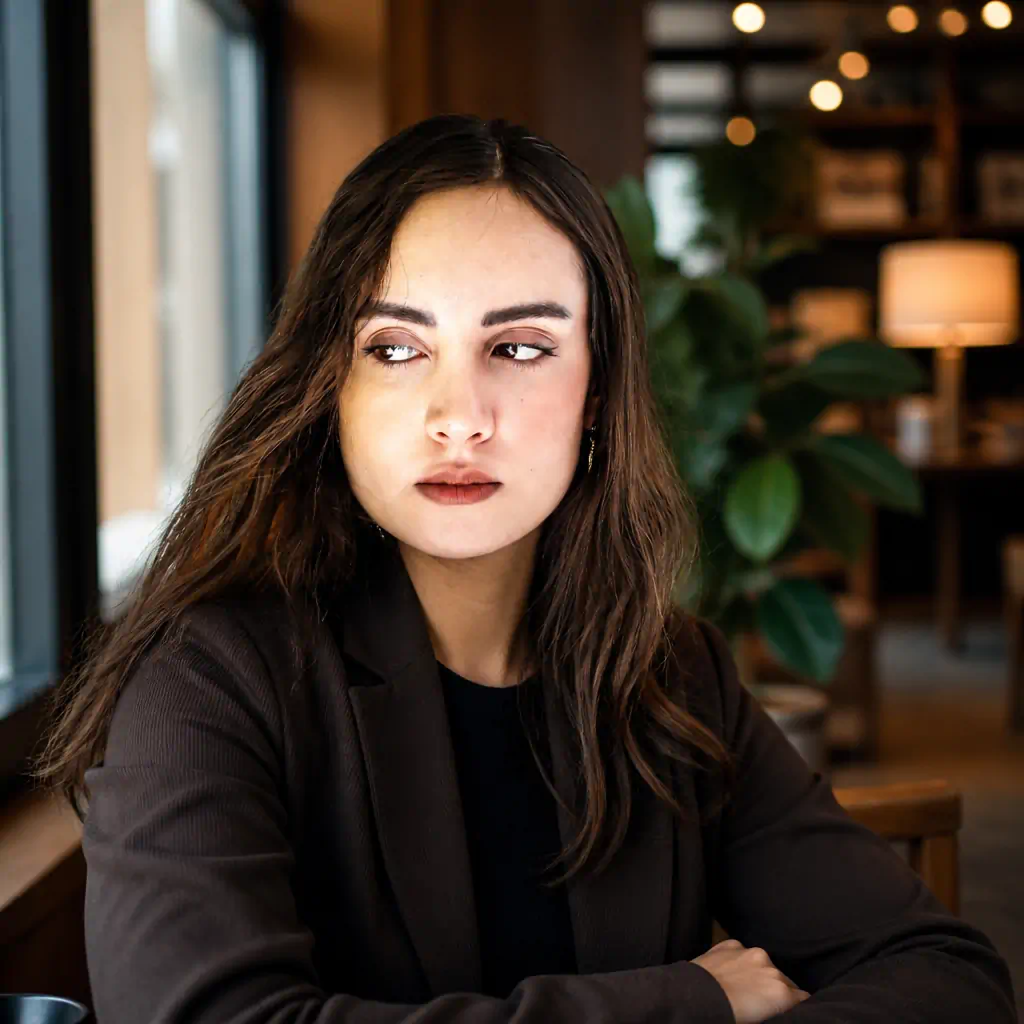
Turn my photo into a relaxed but polished LinkedIn personal-brand portrait in an upscale café or quiet coworking lounge. IDENTITY LOCK: retain exact identity and facial geometry. Outfit: refined smart-casual jacket, overshirt, or professional knit. Setting: window seat with warm wood and soft interior lights blurred behind. Light: natural window light across the face with gentle warm ambient fill. Pose: upright and easy, confident expression. Lifestyle-business photography, 50mm feel, shallow depth, square 1:1. Keep background objects subtle and correct. No brand logos, fake laptop text, or face changes.9. Dark Studio Executive Portrait
Best for: senior leaders, speakers, business owners, high-level brands.
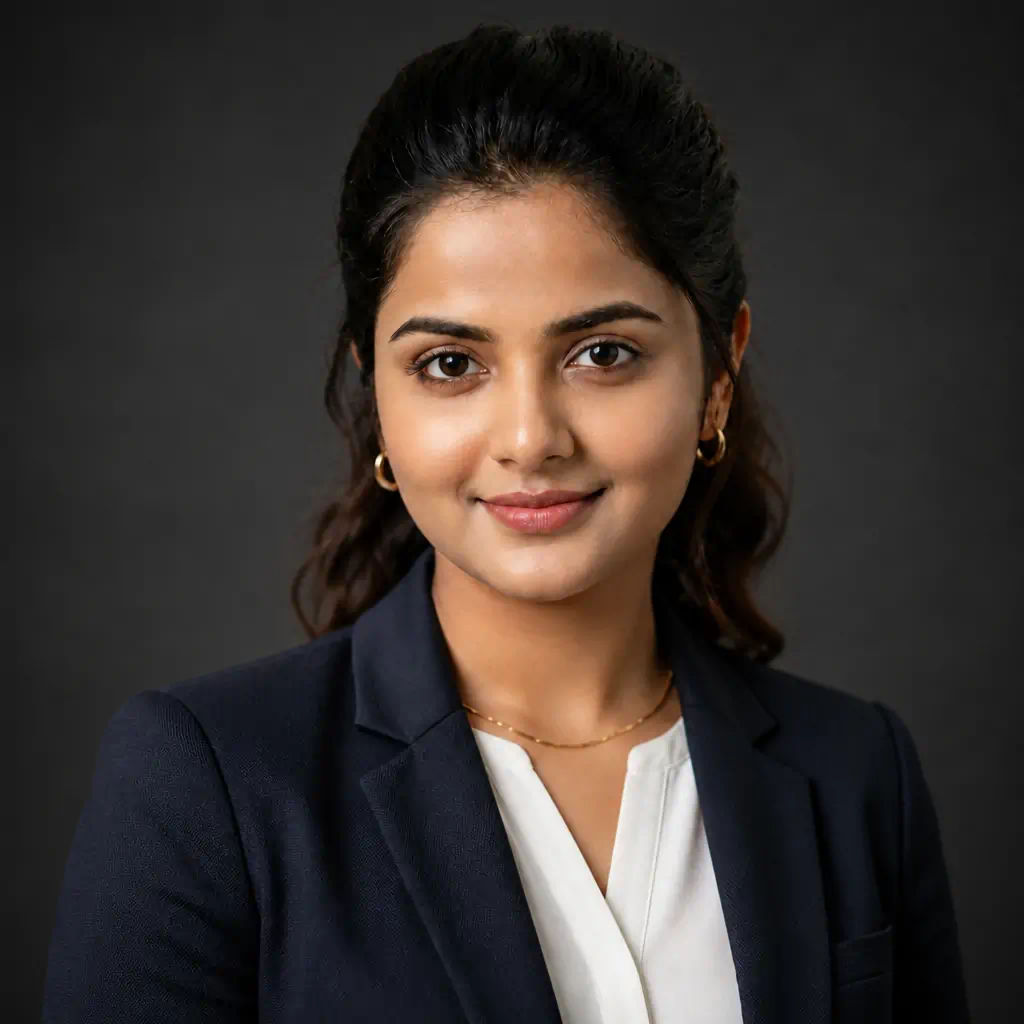
Create a sophisticated dark-studio LinkedIn profile picture from my selfie. IDENTITY LOCK: zero facial reconstruction — keep exact features, age, and natural asymmetry. Outfit: dark structured jacket or premium business-casual with fabric texture. Background: deep charcoal with gentle separation from hair and shoulders. Lighting: large soft directional key plus subtle fill — depth without harsh drama. Pose: slight shoulder angle, calm self-assured expression, direct eye contact. Editorial executive portrait, 85mm look, chest-up square 1:1. No crushed blacks, movie effects, fake watches, badges, text, or beauty retouching.10. Recruiter-Friendly Soft Gray
Best for: job seekers who need one versatile headshot that works across industries.
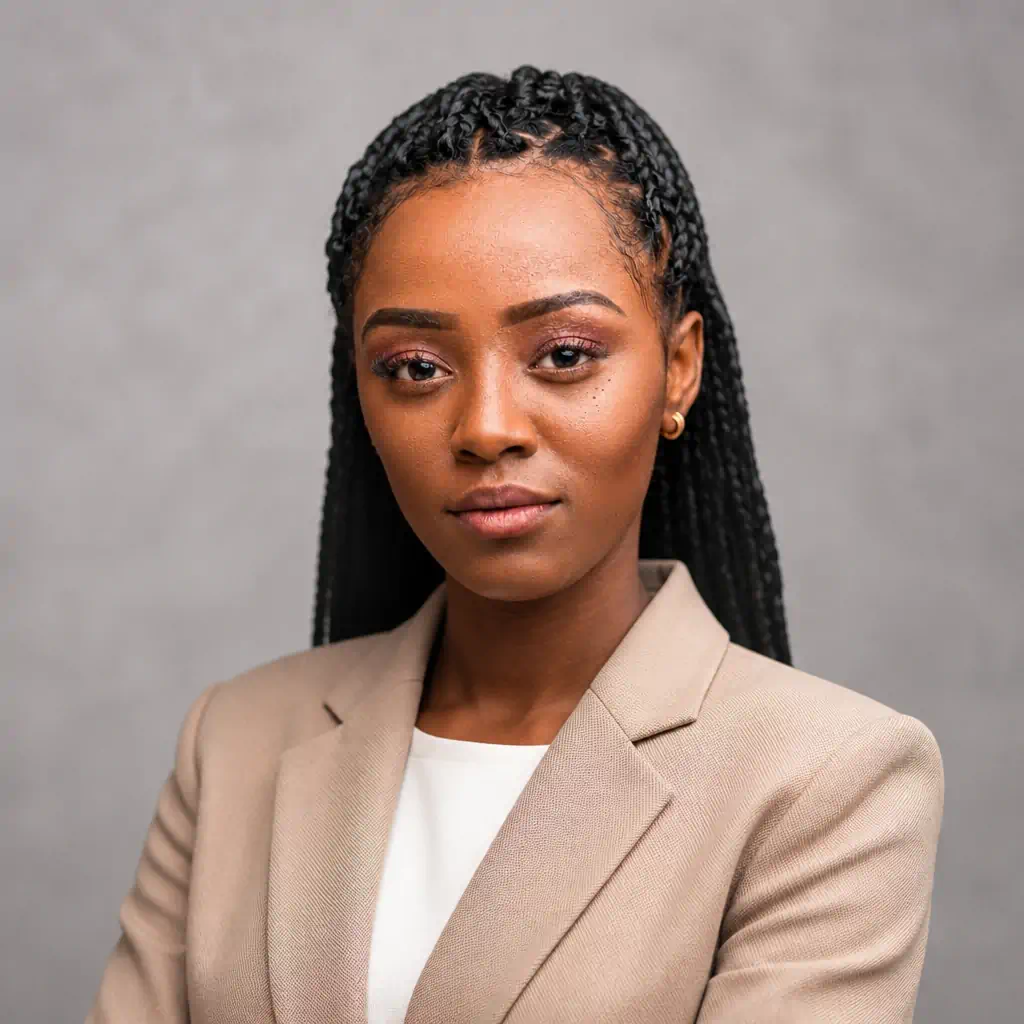
Transform my selfie into a timeless recruiter-friendly LinkedIn profile image. IDENTITY LOCK: fixed identity reference — no slim, beautify, reshape, age, or symmetrize. Outfit: modern business-casual, solid neutrals, no visible branding. Background: softly textured light-gray studio backdrop. Lighting: diffused soft key, gentle fill, natural catchlights. Framing: chest-up, comfortable posture, natural professional smile. Photorealistic 85mm headshot, sharp eyes, true color, square 1:1. No logos, text, badges, plastic skin, or identity changes.How to Create Your LinkedIn Profile Picture with RGBKit
You do not need a studio photoshoot for LinkedIn profile. Use AI photography editing on a selfie you already like.
-
Open RGBKit AI Image to Image.
-
Upload one clear, well-lit selfie (face fully visible).
-
Paste a prompt from this page into the prompt box.
-
Generate, review, and download the version that still looks like you.
-
Upload the square result as your LinkedIn profile image. For the banner, generate a separate wide image using the LinkedIn cover photos size guidance above.
This is free ai edit photo work in the browser — no install, no design software. The same tool doubles as a flexible profile picture maker and general picture AI generator when you want other styles later.
Tip: If the first result looks over-smoothed, add a line like “keep natural pores, fine lines, and realistic skin texture” and generate again.
5 Mistakes That Make AI LinkedIn Photos Look Fake
|
Mistake |
What to check |
|---|---|
|
Waxy / plastic skin |
Zoom in — real skin has pores and slight variation |
|
Mismatched lighting |
Face, hair, clothes, and background should share one light source |
|
Too much smoothing |
Heavy beauty filters change how you look in real meetings |
|
Odd logos or badges |
Remove invented company marks, text, or pins |
|
Wrong crop for the slot |
Profile = square; banner = wide LinkedIn cover picture size |
A natural AI headshot rarely hurts credibility. A face that does not match real life does. Keep identity first.
FAQs
What size should a LinkedIn profile picture be?
Use a square image, ideally 400 × 400 pixels or larger. Sharp and clear beats huge but blurry.
What is the LinkedIn cover photo size?
Aim for 1584 × 396 pixels. That is the practical LinkedIn cover photo specs target for desktop. Keep key content in the center so mobile crops do not hide it.
Can AI still make the photo look like me?
Yes — if you start from a clear selfie and lock identity in the prompt (face, age, hair, skin tone).
How many selfies should I upload?
One strong selfie is enough for most convert picture workflows in image-to-image tools.
Can I reuse the headshot elsewhere?
Yes. The same professional photo works for Zoom, resume, portfolio, email avatar, and company directories.
Do I need a separate tool for the banner?
No. Use the same AI Image to Image flow with a wide-banner prompt and the LinkedIn cover photos size dimensions above.
Conclusion
A strong LinkedIn profile picture is less about expensive gear and more about clear direction: real identity, professional attire, a clean LinkedIn image background, and honest lighting.
Start with a selfie you like. Pick a prompt that matches your role. Run it through RGBKit’s AI Image to Image generator. Then finish the header with a banner that follows LinkedIn cover picture size rules.
Look professional — and still look like yourself.
Create your T-shirt mockup with RGBKit’s free AI Image Generator — no signup, no software, no photo studio required.