One of the easiest ways to secure PDF files is to add password protection before sharing them. Whether you are sending a college assignment, a contract, or a financial report, this simple step helps prevent unauthorized access, editing, and copying.
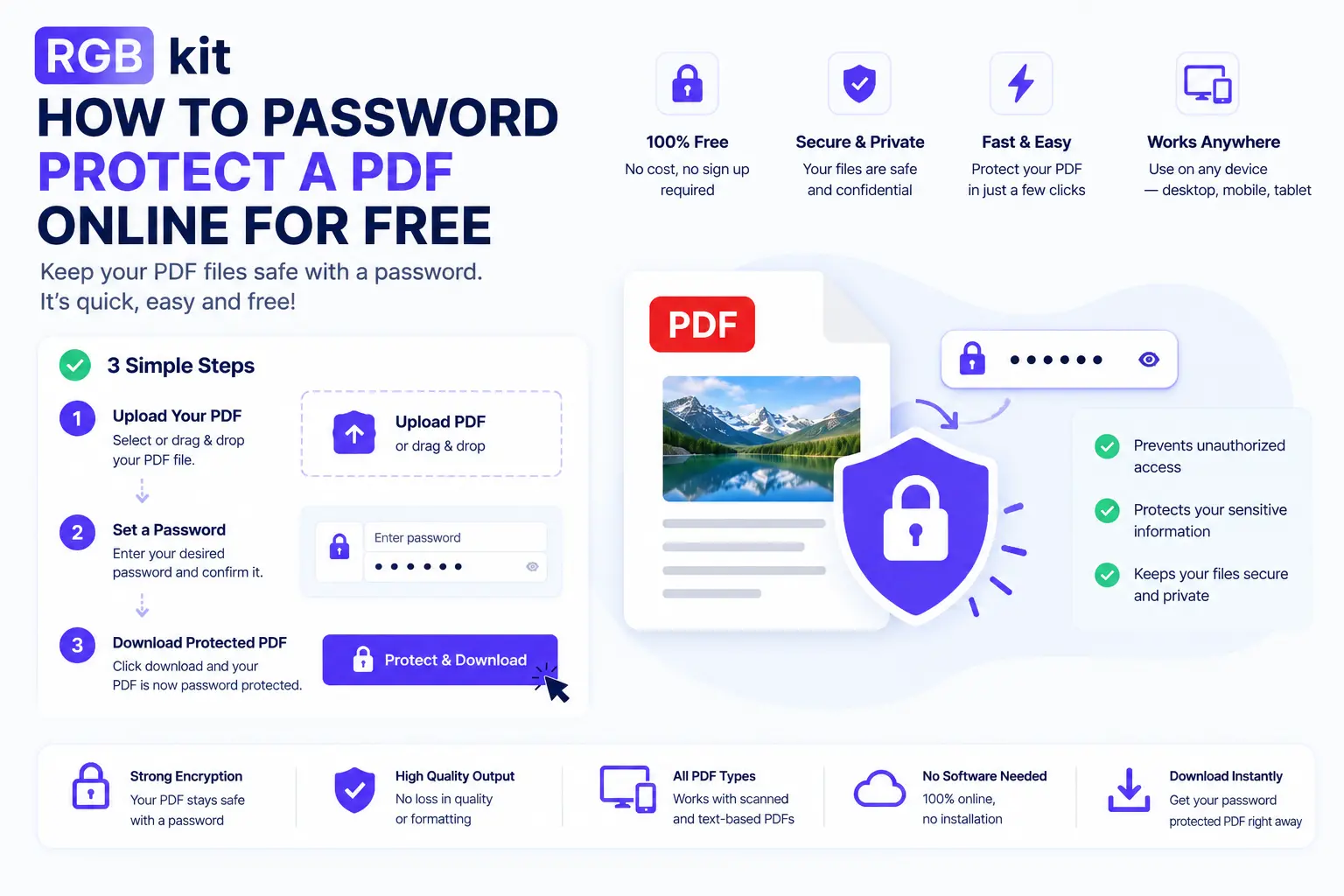
With tools like the RGBKit Lock PDF Tool, you can password-lock documents in seconds. Upload your file, create a password, and download a protected version that is safe to share.
Students can use this feature to protect research papers and certificates, while businesses can encrypt sensitive documents such as invoices, legal agreements, and confidential reports.
Benefits of Locking PDFs with Passwords
PDF security is important for both personal and professional use. When you encrypt PDF files, you reduce the risk of unauthorized access and misuse.
Here are some key advantages of using having a password protect pdf document:
Prevent Unauthorized Editing
You can protect PDF from editing so that the original content remains unchanged.
Restrict Copying
Users can lock PDF from editing and copying to stop unauthorized duplication of text or images.
Improve Data Security
Password protection helps secure academic and business documents during file sharing.
Easy File Sharing
Protected PDFs can still be shared through email or cloud platforms safely.
Preserve Professional Integrity
Businesses can ensure official documents are not tampered with after distribution.
Student Use Cases for Password Protected PDFs
Students regularly share assignments, project files, resumes, research papers, and internship documents online. In many cases, these files contain personal information or original academic work.
By choosing to lock PDF with password, students can:
- Protect thesis and research work from plagiarism
- Secure certificates and transcripts
- Prevent classmates from editing shared notes
- Share internship reports securely
- Keep personal details private
Students can also lock PDF from editing and copying when submitting coursework to ensure the document remains unchanged.
Business Use Cases for PDF Protection
Businesses frequently exchange confidential documents through email and cloud storage. Without security, sensitive information can be leaked or modified.
Organizations often make PDF password protected to secure:
- Financial reports
- Contracts and agreements
- Client databases
- HR documents
- Marketing presentations
- Legal paperwork
RGBKit also highlights that PDF locking is useful for protecting intellectual property and preserving document integrity across platforms.
How to Add Password Protection to PDF
If you are wondering how to add password protection to PDF files, the process is straightforward with online tools.
Follow these simple steps using the RGBKit Lock PDF tool:
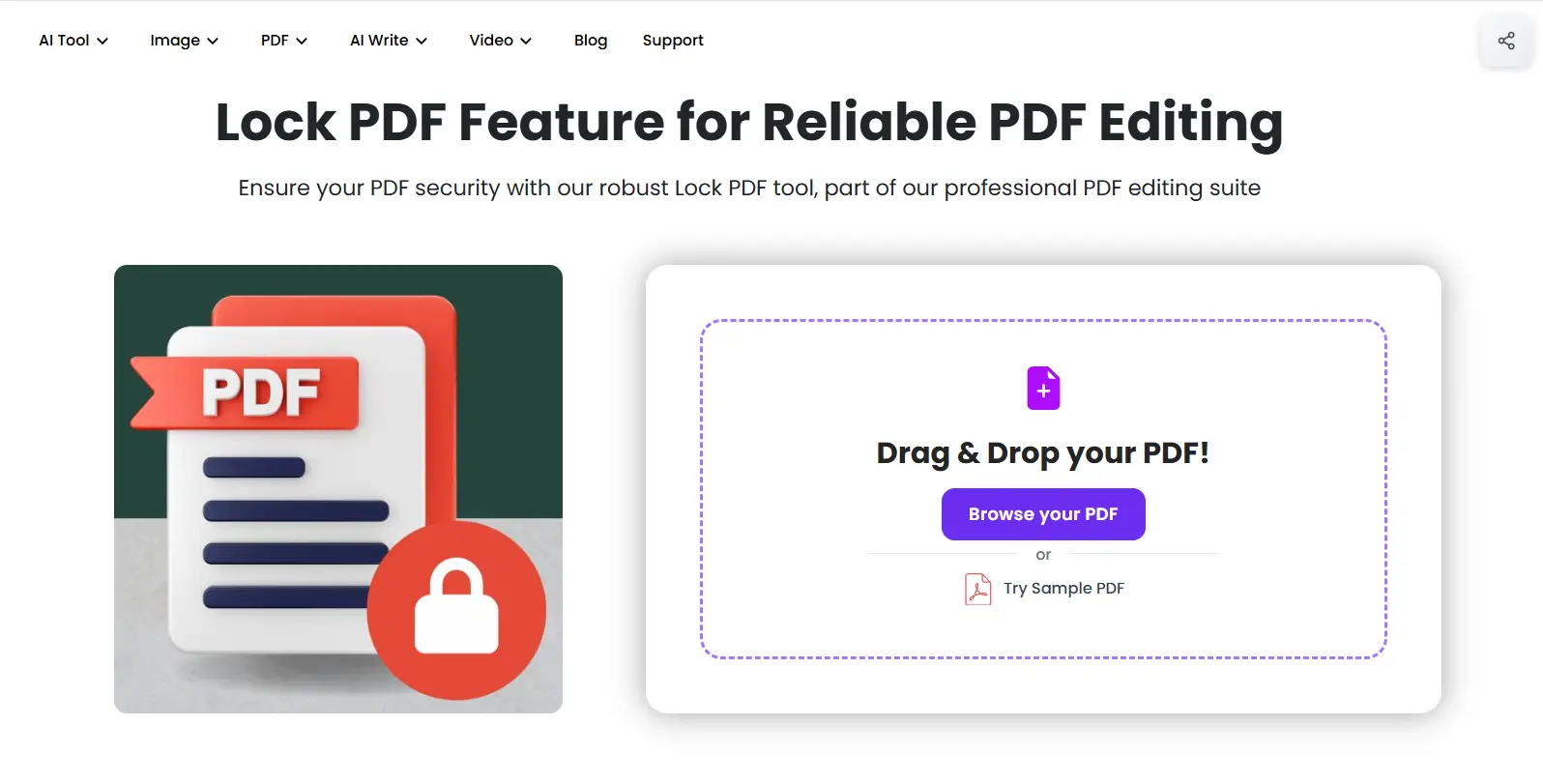
Step 1: Upload Your PDF
Open the RGBKit Lock PDF Page and upload the PDF file from your computer.
Step 2: Enter a Password
Choose a strong password containing letters, numbers, and symbols. This password will be required to open the file.
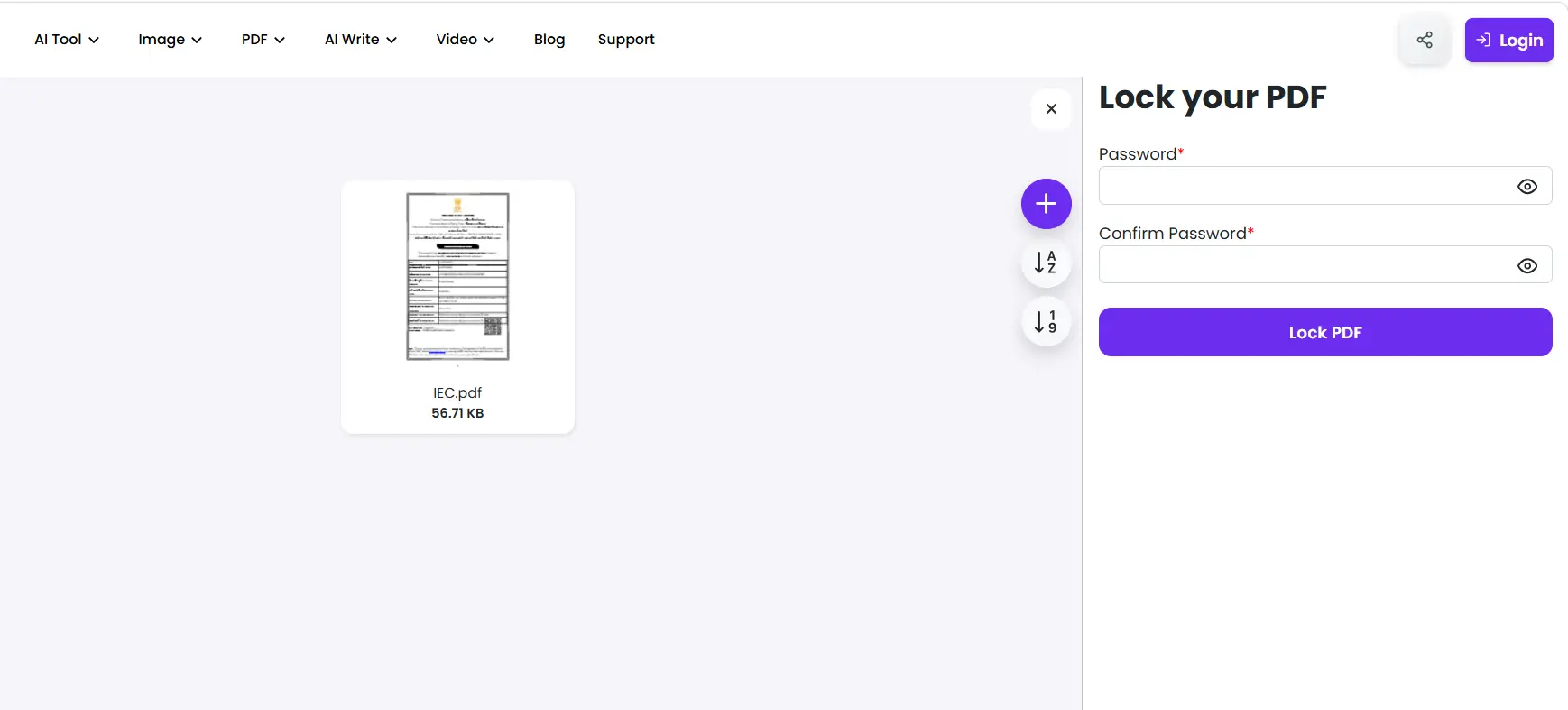
Step 3: Lock PDF Document
Click the “Lock PDF” button to process the file securely.
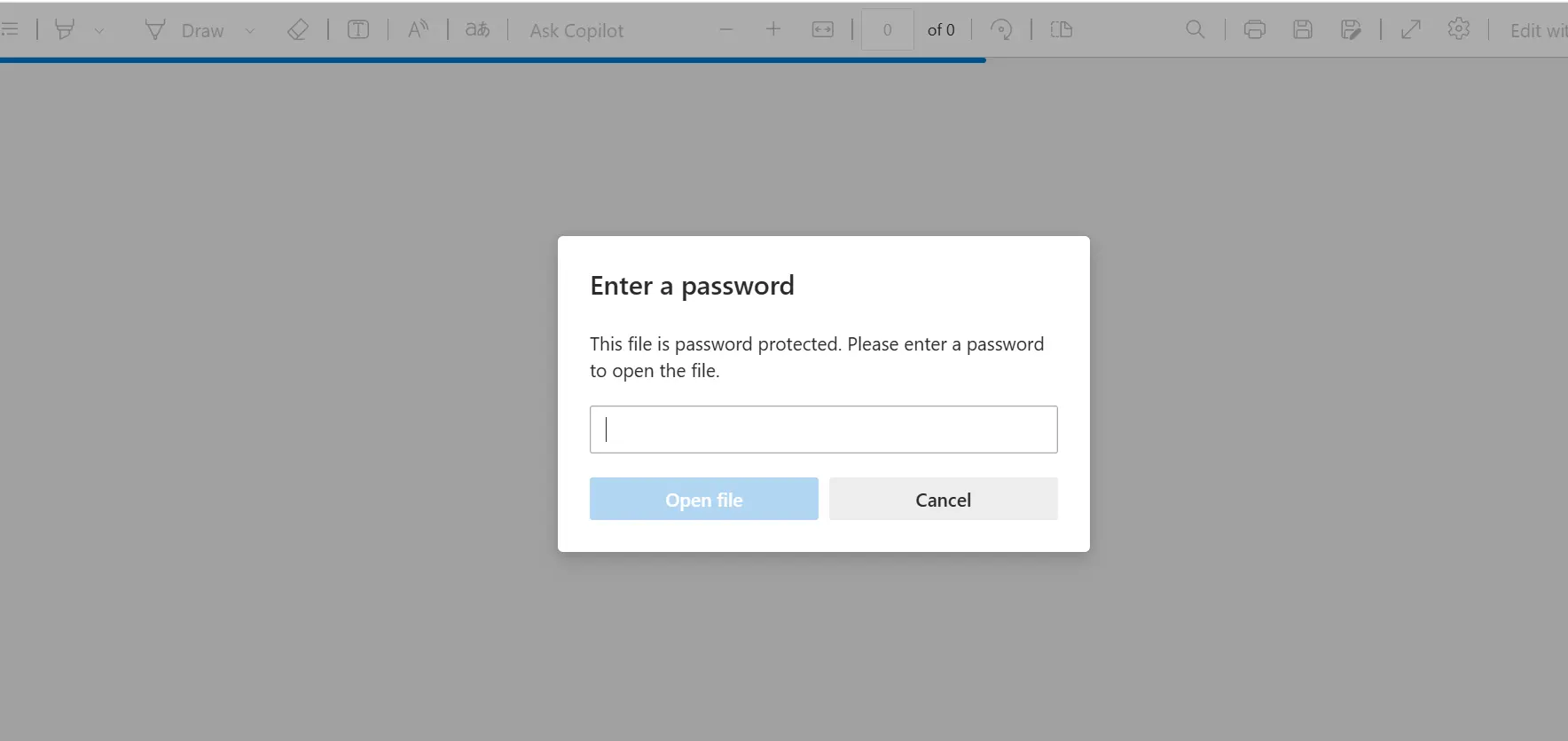
Step 4: Save the Protected File
Once completed, save the secured PDF to your device.
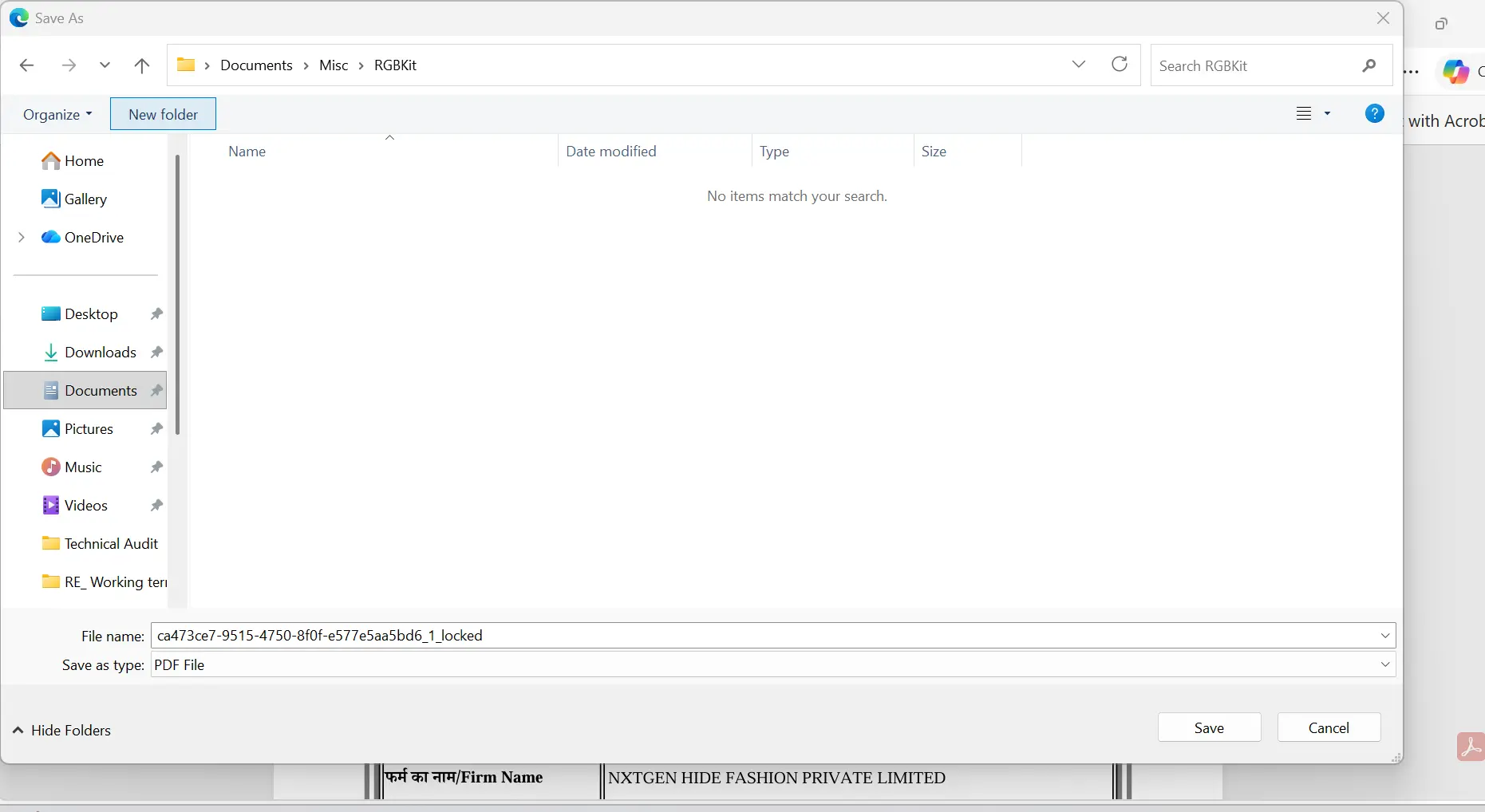
This process helps users quickly encrypt PDF files without installing additional software.
Tips for Creating Strong PDF Passwords
To effectively lock PDF document files, always use strong passwords.
Best practices include:
- Use at least 12 characters
- Combine uppercase and lowercase letters
- Add numbers and symbols
- Avoid names or common words
- Use unique passwords for sensitive files
A strong password makes it more difficult for unauthorized users to access protected PDFs.
Conclusion
A PDF may look secure, but without password protection, anyone who receives it can potentially open, copy, or forward it.
Taking a few seconds to add PDF security can protect your work, safeguard sensitive information, and give recipients confidence that the document has not been altered. Whether you are sharing a student project, a business proposal, or a legal contract, password protection is a simple habit that significantly reduces risk.
With tools like the RGBKit Lock PDF Tool, you can password-lock documents in under a minute and share them with confidence.
FAQs: How to Lock PDF Files with Passwords
Can password-protected PDFs still be hacked?
When you encrypt a PDF using strong encryption, it is highly secure. However, if you lock a PDF with password using a weak or predictable password, unauthorized users may still be able to guess it.
What happens if I forget the password?
Most tools cannot recover a forgotten password once you password protect a PDF document. To avoid losing access, store your password securely in a password manager.
Is PDF encryption secure enough for legal documents?
Yes. Modern tools use industry-standard encryption to protect PDF documents, making them suitable for contracts, legal agreements, and compliance-related files when used with strong passwords.
Can mobile users open protected PDFs?
Yes. Most PDF apps on iOS and Android can open password-protected files. Users simply enter the password to access the document on their mobile device.