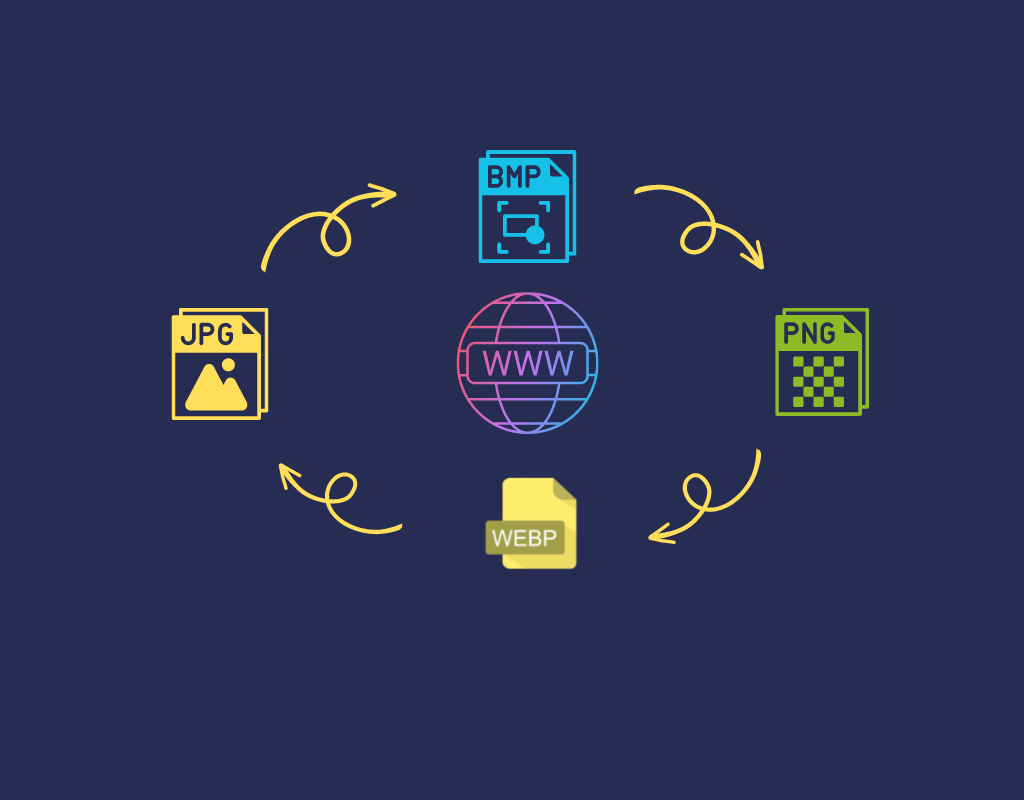
Every image format — PNG, JPG, WebP, AVIF, GIF, TIFF, BMP — exists for a specific purpose. Choosing the right one can mean the difference between a fast-loading website and one that drives visitors away, or between a crisp print and a blurry mess.
The challenge? The format you start with is rarely the format you need. A camera shoots JPG, a designer exports PNG, but your website performs best with WebP or AVIF. That’s where image format conversion comes in.
In this guide, we’ll cover:
- The most widely used image formats and when to use each
- Which conversions matter most (and why)
- How to convert images online for free in bulk
Understanding Common Image Formats
Before converting, it helps to understand what each format does best.
Raster Formats (Pixel-Based)
| Format | Compression | Transparency | Best For |
|---|---|---|---|
| JPG / JPEG | Lossy | No | Photos, social media, printing |
| PNG | Lossless | Yes | Graphics, logos, screenshots |
| WebP | Lossy & Lossless | Yes | Web images (photos + graphics) |
| AVIF | Lossy & Lossless | Yes | Next-gen web images, HDR content |
| GIF | Lossless (limited) | Yes (1-bit) | Simple animations, icons |
| TIFF | Uncompressed / Lossless | Yes | Print, scanning, archival |
| BMP | Uncompressed | No | Windows-native, high-quality prints |
| HEIC | Lossy | Yes | iPhone/iPad photos |
Key Terms
- Lossy compression reduces file size by discarding some image data. The quality loss is usually imperceptible at higher quality settings.
- Lossless compression reduces file size without any quality loss — the original data can be perfectly reconstructed.
- Transparency (alpha channel) allows parts of the image to be see-through, which is essential for logos and overlays.
Which Image Format Is Best for Websites in 2026?
This is one of the most searched questions in image optimization, and the answer has shifted significantly.
WebP: The Current Standard
WebP is the recommended default for most web images in 2026. Developed by Google, it offers:
- 25–50% smaller files than JPG at equivalent quality
- 26% smaller files than PNG with lossless compression
- Full transparency support
- Animation support (replacing GIF)
- ~97% browser support — essentially universal
AVIF: The Next-Gen Contender
AVIF delivers even better compression than WebP:
- 40–60% smaller files than JPG
- 20–50% smaller than WebP at equivalent quality
- 10-bit and 12-bit color depth (HDR support)
- ~93–96% browser support (Safari added native support in 2023)
The trade-off? AVIF encoding is significantly slower, which can be a bottleneck for large-scale batch processing.
The Recommended Approach
Use the HTML <picture> element to serve the best format each browser supports:
<picture>
  <source srcset="image.avif" type="image/avif">
  <source srcset="image.webp" type="image/webp">
  <img src="image.jpg" alt="Description">
</picture>
This delivers AVIF where supported, WebP as a fallback, and JPG as the universal safety net.
When and Why to Convert Image Formats
PNG to WebP — The Most Common Web Conversion
Design tools and screenshot utilities typically export PNG files, which are large by nature. Converting PNG to WebP reduces file size by 25–35% with lossless compression (no quality loss) or even more with lossy compression. This is the single most impactful conversion for website performance.
JPG to WebP — Optimize Camera Photos for the Web
Smartphone cameras and DSLRs produce large JPG files. A typical photo can be 2–3 MB as JPG but shrink to under 500 KB as WebP — a 75% reduction — with virtually no visible quality difference.
HEIC to JPG — Make iPhone Photos Universal
iPhones save photos in HEIC format by default, which isn’t universally supported across all platforms and browsers. Converting HEIC to JPG ensures your photos can be opened, shared, and uploaded anywhere.
PNG to JPG — When You Don’t Need Transparency
If your PNG image doesn’t use transparency, converting to JPG can dramatically reduce file size. This is useful for preparing images for email, printing, or platforms that don’t support PNG well.
WebP to PNG — When You Need Lossless Quality
Sometimes you need to go the other direction. If you have a WebP image but need to edit it in software that doesn’t support WebP, or need a lossless version for print, converting to PNG preserves full quality.
How Image Format Affects SEO and Core Web Vitals
Image optimization directly impacts your Google rankings. Here’s why format conversion matters for SEO:
Page Speed Is a Ranking Factor
Google uses Core Web Vitals — particularly Largest Contentful Paint (LCP) — as a ranking signal. LCP measures how fast the largest visible element (often a hero image) loads. Smaller image files = faster LCP = better rankings.
Real-World Impact
| Original Format | Converted To | Size Reduction | LCP Improvement |
|---|---|---|---|
| PNG (2 MB) | WebP | ~340 KB (83% smaller) | Significant |
| PNG (2 MB) | AVIF | ~180 KB (91% smaller) | Major |
| JPG (200 KB) | WebP | ~140 KB (30% smaller) | Moderate |
| JPG (200 KB) | AVIF | ~95 KB (52% smaller) | Noticeable |
Converting your images to modern formats is one of the easiest, highest-impact SEO wins you can achieve — often taking minutes but improving page speed scores dramatically.
How to Convert Images Online for Free
RGBKit’s free image converter makes batch conversion fast and simple:
Step 1: Choose Your Conversion
Select the conversion you need. RGBKit supports all major format pairs:
- JPG to WebP | WebP to JPG
- PNG to WebP | WebP to PNG
- PNG to JPG | BMP to JPG
- TIFF to WebP | TIFF to JPG
- GIF to WebP | GIF to JPG
- HEIC to JPG | BMP to WebP
Step 2: Upload Your Images
Drag and drop or browse to select your files. You can upload multiple images at once for batch conversion.
Step 3: Convert and Download
Click the Convert button. The tool processes all images and packages them into a single ZIP file for download.
The entire process runs in your browser — no software to install, no account required.
Your Privacy Is Protected
Uploaded and processed images are not shared with any third party and are automatically deleted from RGBKit servers within a few hours of processing. See the Privacy Policy for full details.
Quick Reference: Which Format Should I Use?
| Use Case | Recommended Format |
|---|---|
| Website photos & product images | WebP (lossy, quality 80) |
| Graphics with transparency | WebP or PNG (lossless) |
| Logos, icons, illustrations | SVG (vector) or WebP lossless |
| Maximum compression for web | AVIF with WebP fallback |
| Printing | TIFF or high-quality JPG |
| Animations | WebP or GIF |
| Universal sharing | JPG |
Final Thoughts
Image format conversion is one of the simplest ways to improve your website’s performance, reduce storage costs, and boost SEO rankings. With modern formats like WebP and AVIF now supported by virtually all browsers, there’s no reason to serve oversized PNG or JPG files on the web.
The key takeaway: always match the format to the use case. Use WebP or AVIF for the web, JPG for universal compatibility, PNG for lossless quality with transparency, and convert between them as needed using a free online tool.